Zalex —
From 5-Day Manual Process to Same-Day Self-Service
At Zalex Inc. — a global manufacturer of Kamado-style grills — employees needing employment certificates or salary letters faced a slow, unreliable process. I designed a web-based self-service portal that transformed a five-day manual workflow into a same-day automated one.
Transforming a manual
process
At Zalex Inc. — a global manufacturer of Kamado-style grills — employees needing employment certificates or salary letters faced a slow, unreliable process: manual PDF forms, back-and-forth emails, error-prone SharePoint tracking, and wait times of up to five business days. HR coordinators spent hours each week re-entering employee data already stored in the company's FAB HR platform, creating documents from scratch, and fielding follow-up emails from employees who had no way to check on their request status.
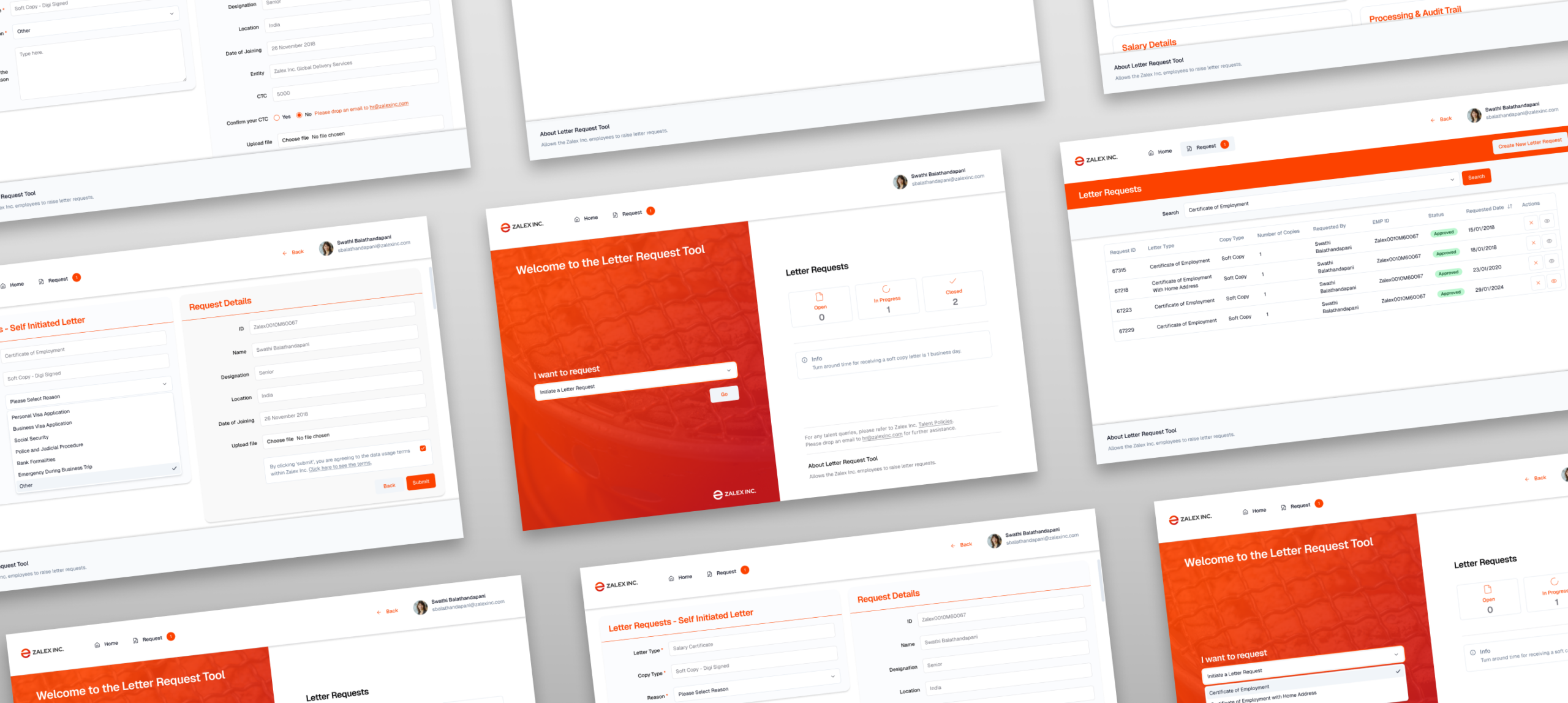
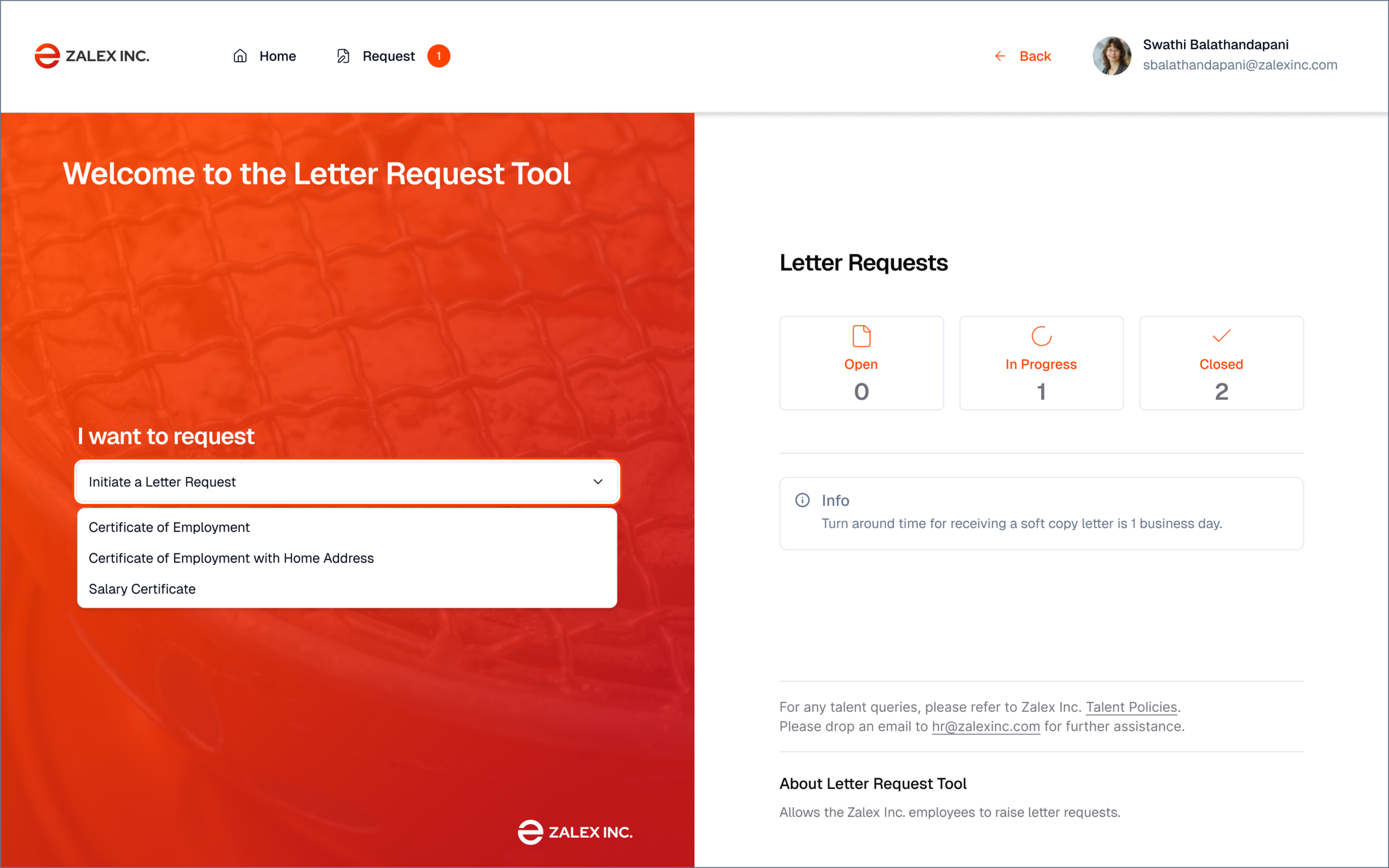
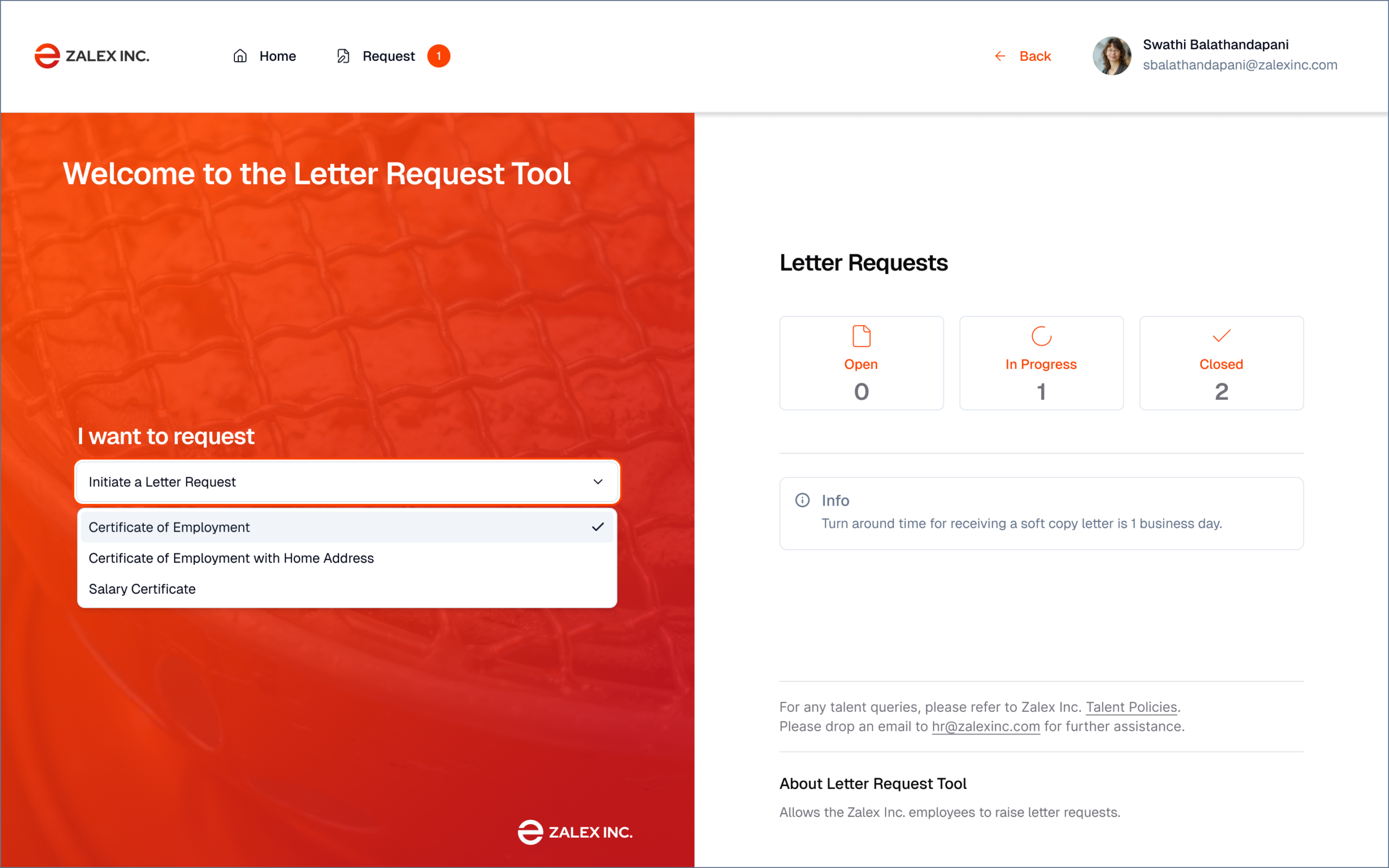
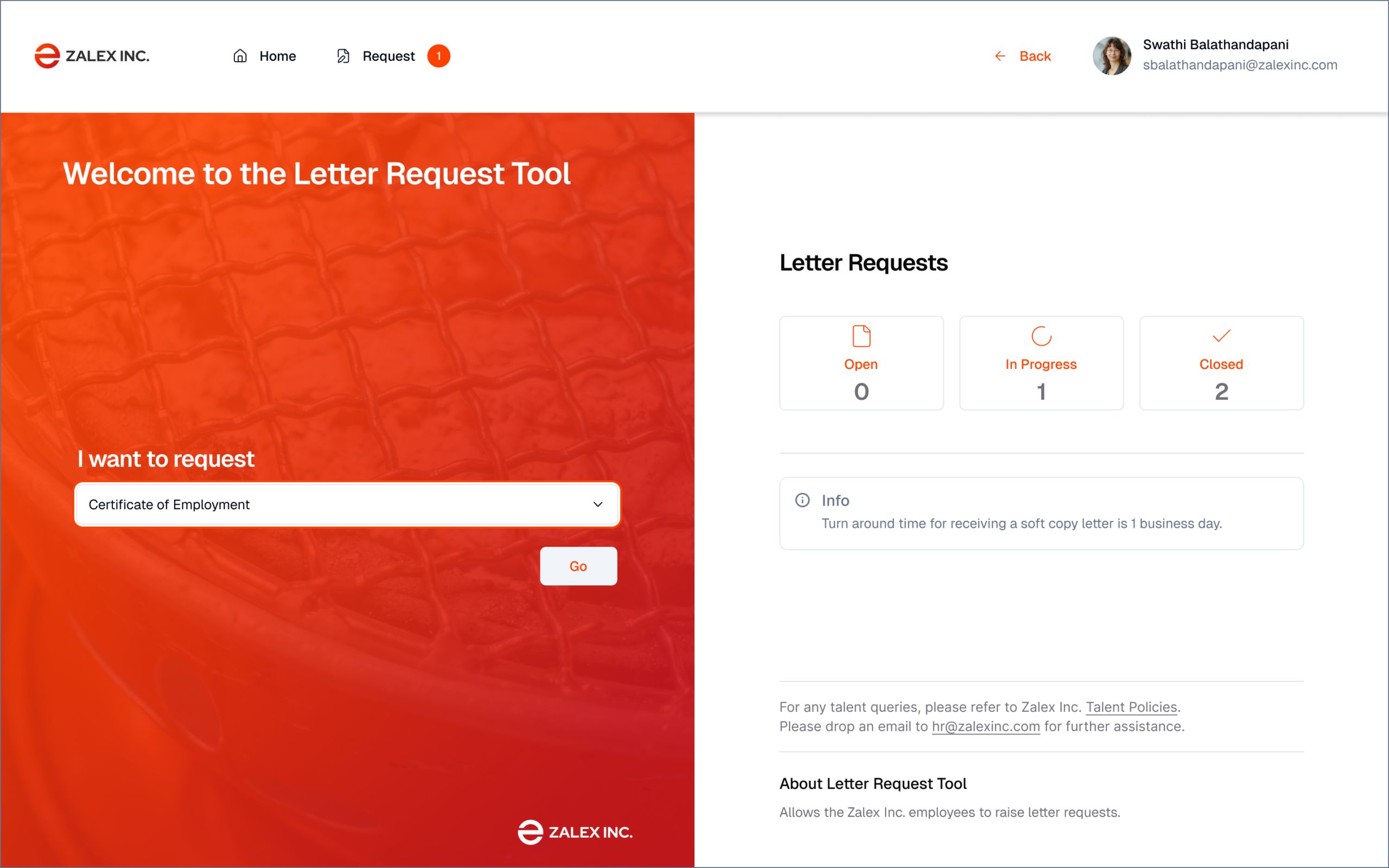
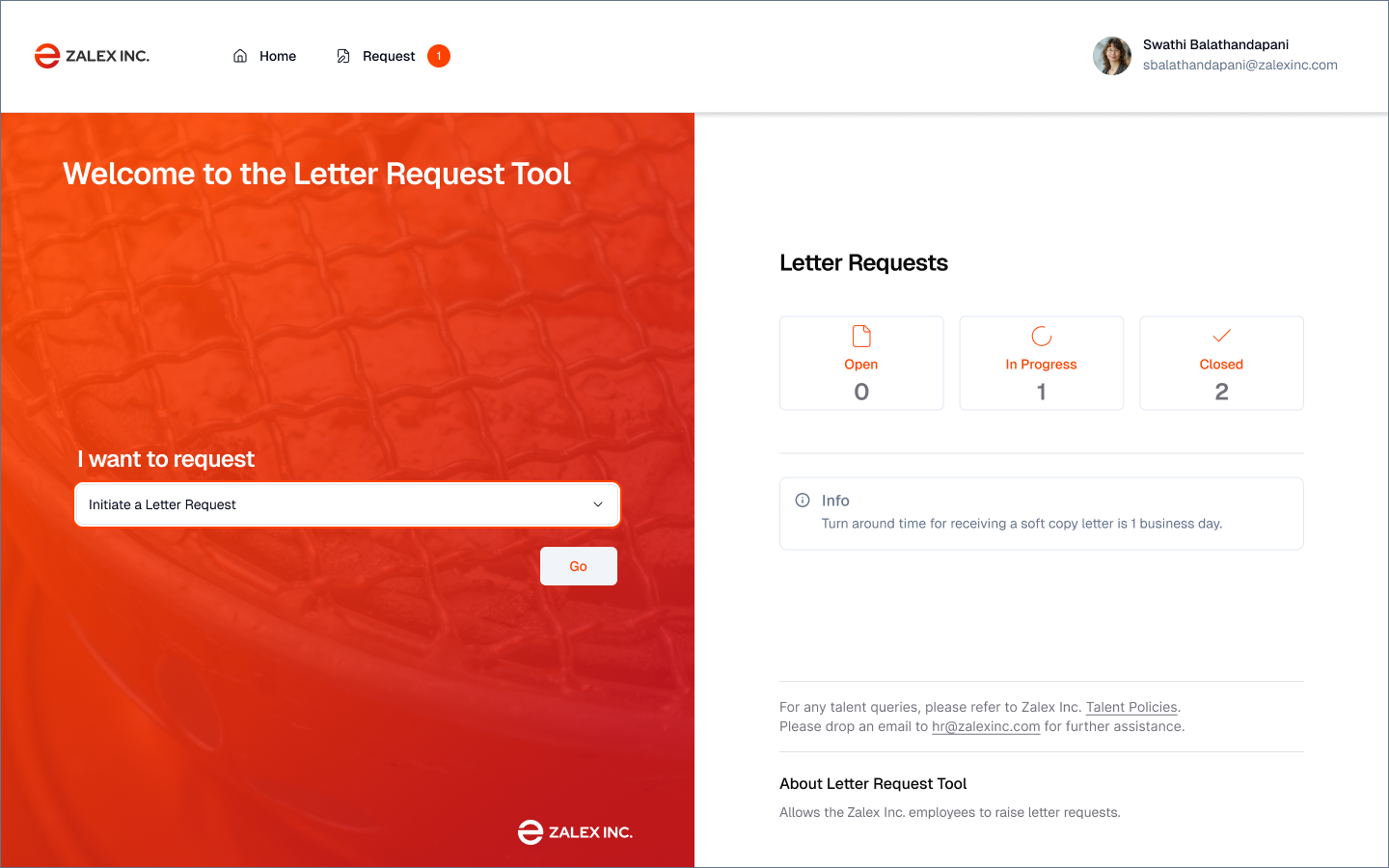
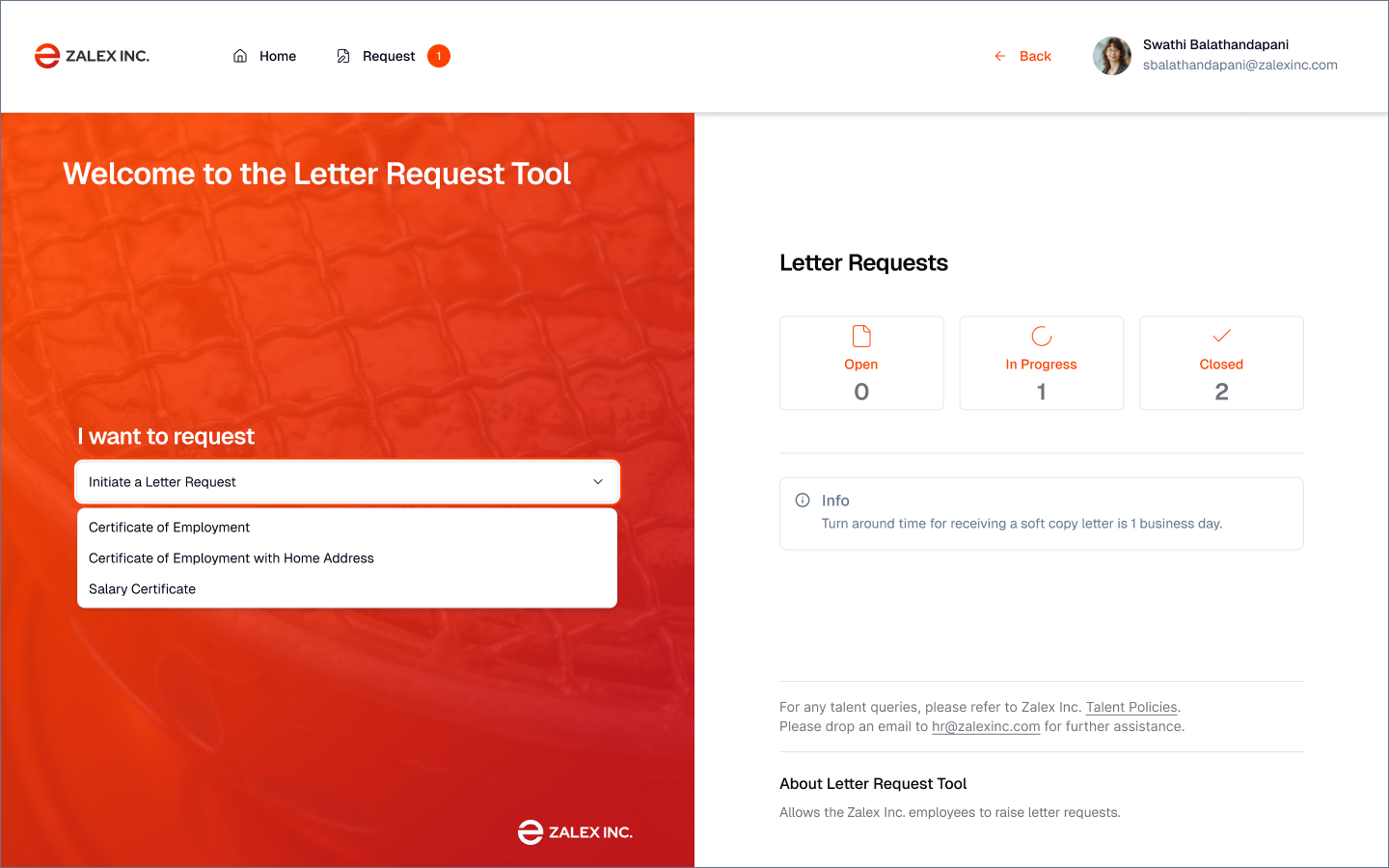
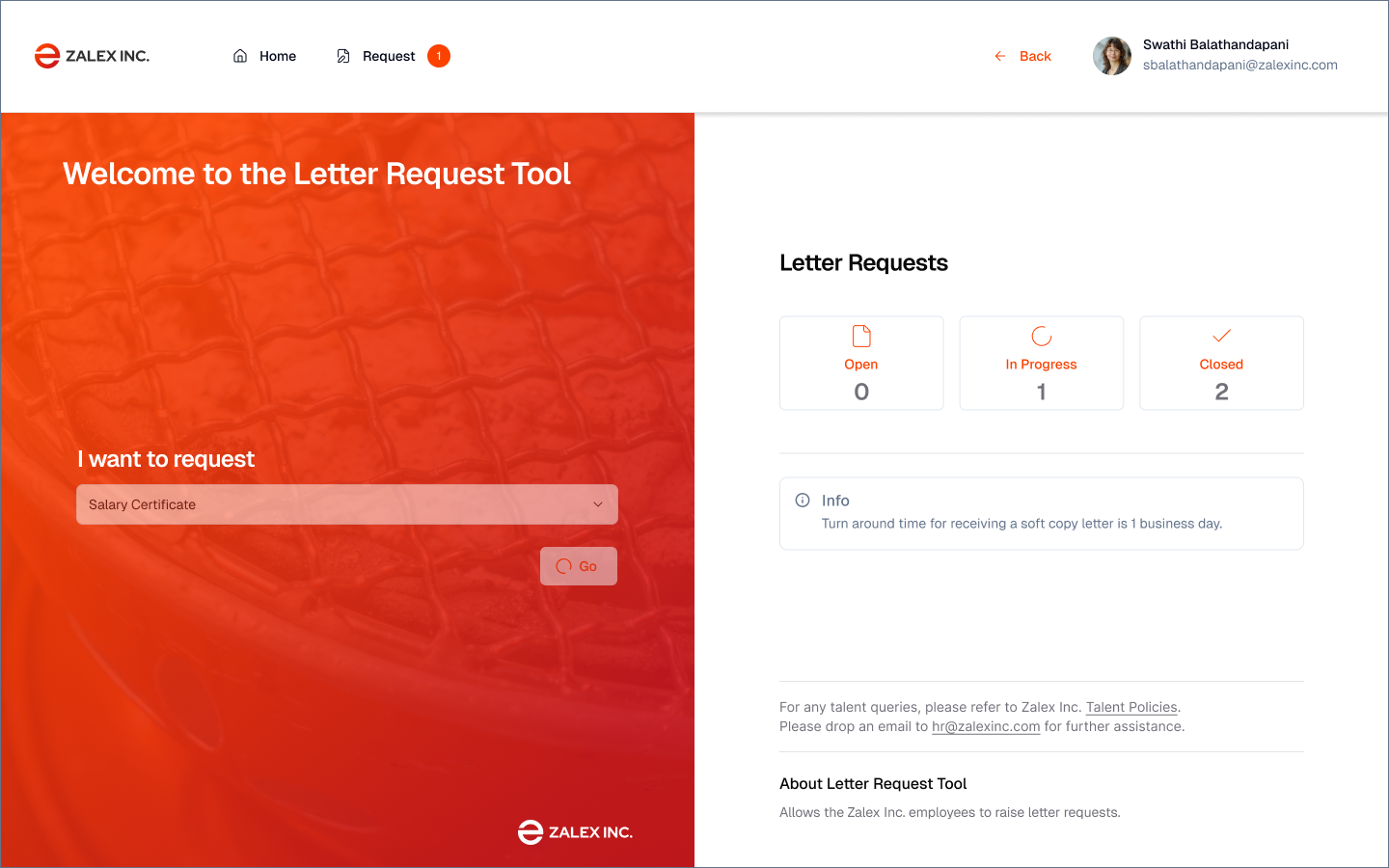
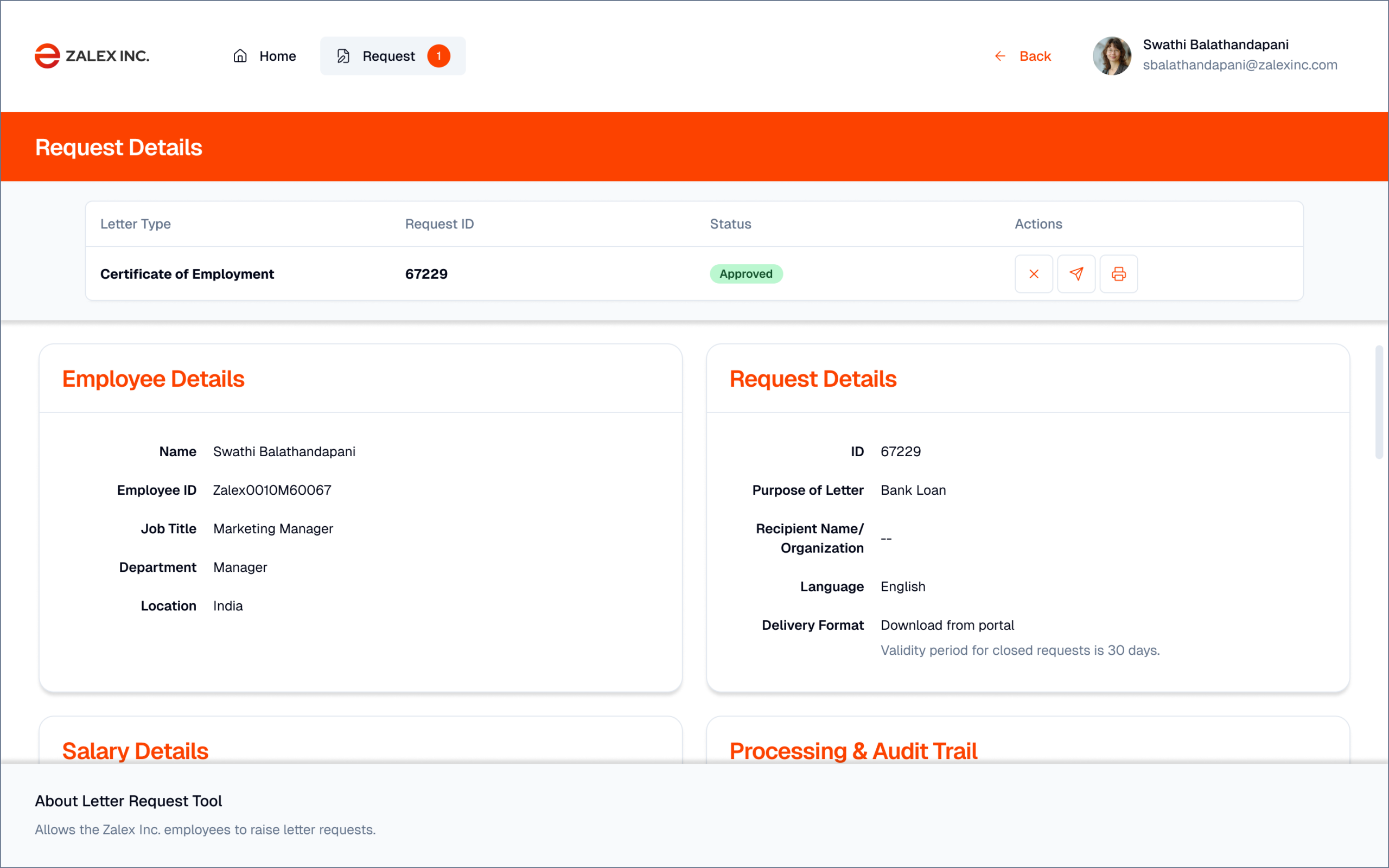
I designed a web-based self-service portal in Figma that pulls employee data directly from Zalex's FAB HR platform, pre-filling all known fields and eliminating the primary source of errors in the old process. The information architecture was shaped by user stories captured during stakeholder interviews. Employees select their certificate type, review their pre-populated data, and submit. The system auto-generates a draft document, HR approves with a single click, and a digital signature with an explicit validity period is applied automatically. The employee downloads their certificate the same day.
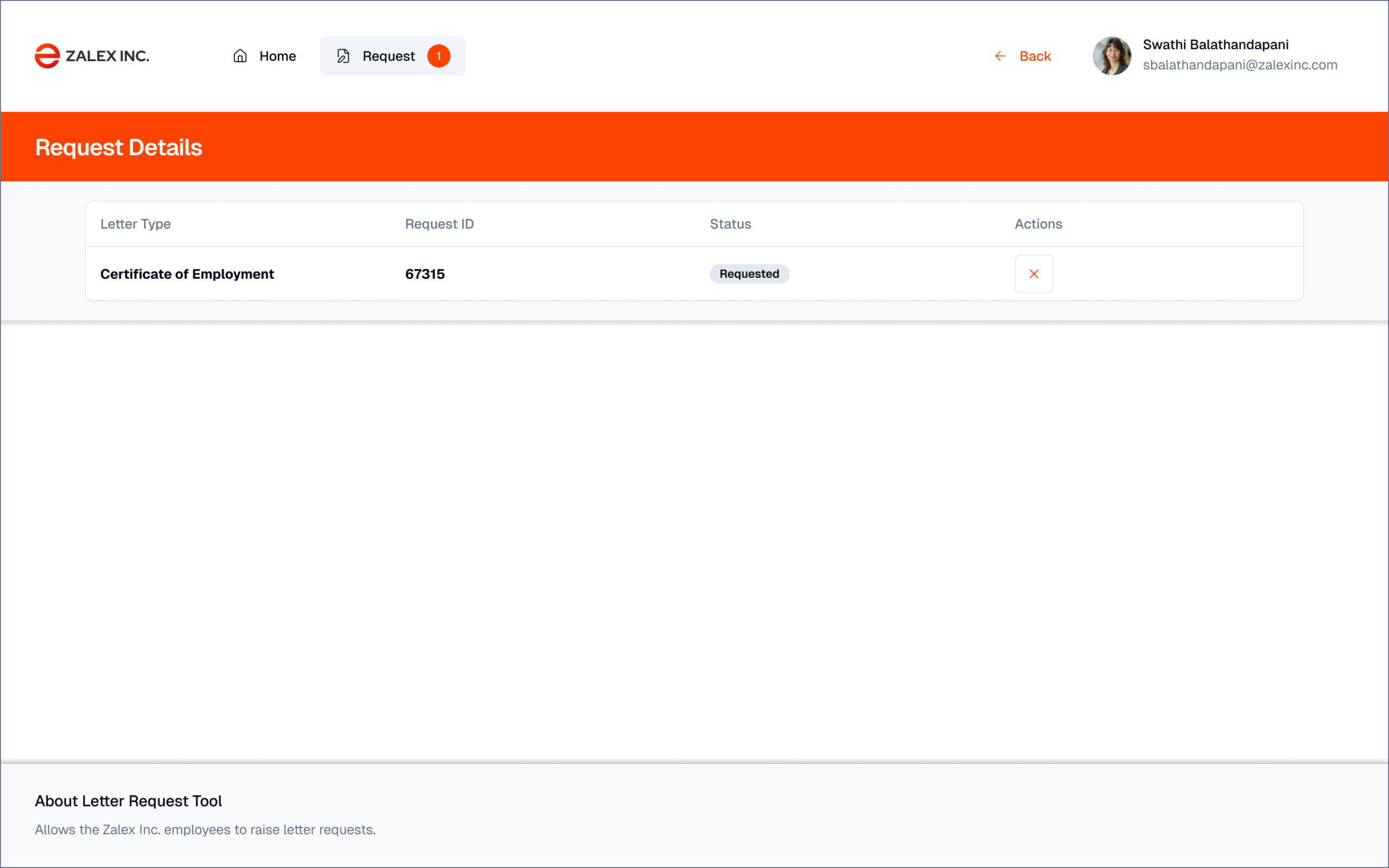
The most important UX decision was making request status visible without the user needing to ask. The old process had no status — you submitted a form and waited in silence.
I conducted stakeholder interviews with both HR coordinators and factory floor employees to map the current-state process before designing the replacement. The pain point taxonomy that emerged from these interviews — not assumptions about what was broken — drove every design decision in the new system.
Designed for
two users
- Get an employment certificate for his mortgage application in one day
- Know where his request is at all times without chasing HR
- Download a professional document that banks will accept
- Currently waits 5 business days for a manually created PDF
- Has to email HR and wait with no status update
- Previous PDF contained his old job title — incorrect document
- Process requests quickly without stopping other work
- Issue standardised, tamper-proof documents
- Reduce the email inbox dedicated to document requests
- Manually creating each PDF from scratch for every request
- Re-entering employee data already in the HR system
- No audit trail — no way to prove what was sent when
Mapping the
current state
| Finding / Insight | Design Response |
|---|---|
| 5-day wait creates personal financial risk for employees (mortgage deadlines, visa applications) | Priority: reduce to same-day for standard requests through automation |
| Manual data re-entry is the primary source of document errors | Pre-fill all fields from Zalex's FAB HR platform — employee name, ID, position, salary populated automatically |
| No status visibility creates anxiety and generates follow-up emails to HR | Explicit three-state status (New / In Progress / Closed) with timestamp visible to employee at all times |
| No audit trail — HR cannot prove when documents were issued or what they contained | Every document stored with metadata: requester, approver, timestamp, validity period, digital signature hash |
| Institutional recipients (banks, visa offices) require signed, dated, validity-stated documents | Digital signature + explicit validity period (e.g. 'Valid 90 days from issue') on every output document |
From mapping
to handoff
• Stakeholder interviews
• Pain point taxonomy
• Three-state status model
• User stories & form logic planning
• HR admin view
• Document preview flow
• Status visual system
• Interaction design (document templates)
• API requirements
• Acceptance criteria
Every screen
mapped
| Screen / State | Purpose | Key Elements & Decisions |
|---|---|---|
| Employee Dashboard | Landing page after login — overview of all requests | Active requests with status badges (New / In Progress / Closed) · Request history · "New Request" primary CTA · Status timestamps visible without clicking into detail |
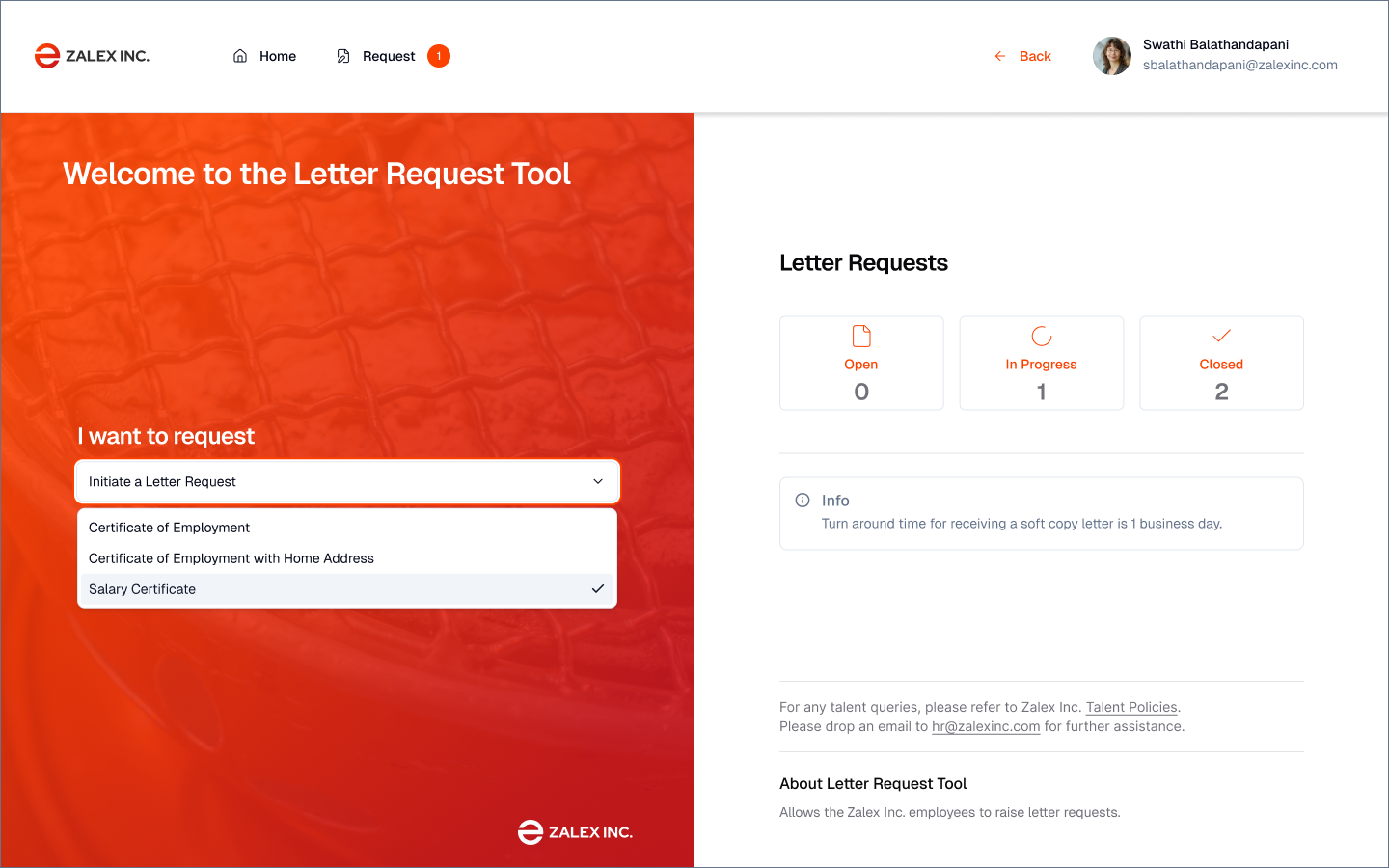
| Employee New Request | Certificate type selection | Employment Certificate · Salary Letter · Other document types · Clear descriptions of what each document contains and typical use cases |
| Employee Request Form | Data verification (not data entry) | All fields pre-filled from FAB HR — employee name, ID, position, department, salary · Editable "purpose" and "recipient" fields only · Review step before submission |
| Employee Status View | Real-time request tracking | Three-state progress indicator (New → In Progress → Closed) · Timestamp for each state change · Estimated completion · HR contact if needed |
| Employee Document Preview | Final document review and download | PDF preview in-browser · Download button · Digital signature visible · Validity period displayed · Option to request correction if data is wrong |
| HR Dashboard | Queue management for all incoming requests | Filterable request queue by status · Sort by date/priority · Bulk actions · Request count badges · Colour-coded status indicators |
| HR Request Detail | Individual request review and action | Employee data summary · Document type · Pre-generated draft preview · Approve / Reject / Request correction actions · Notes field |
| HR Document Review | Final document approval before signature | Full document preview · Data accuracy checklist · One-click approve triggers digital signature · Rejection sends back to employee with note |
| HR Reports | Audit trail and analytics | Documents issued by period · Average processing time · Requester/approver/timestamp/signature hash for every document · Export to CSV |
Step-by-step
journeys
Every choice
justified
| Decision Made | Why — Rationale | Alternative Rejected |
|---|---|---|
| Three-state status model (New / In Progress / Closed) | Simple enough to understand at a glance; specific enough to be actionable. Anyone who has tracked a parcel delivery understands this model. | Five-state model (Submitted / Assigned / Drafting / Review / Complete) — rejected; over-segments a process employees don't need granular visibility into |
| Pre-fill from FAB HR platform | The primary cause of errors was manual data transcription. Pre-filling from the authoritative source eliminates the error class entirely and transforms the form from data entry into data verification. | Employee self-entry with HR validation — rejected; duplicates data already in the system and re-introduces the error source |
| Digital signature + validity period | Banks and visa offices require signed, dated documents with explicit validity. Designing without this produces documents that institutional recipients reject. | Manual signature scan — rejected; not tamper-proof, no metadata, no audit trail |
| Employee self-service | HR's time is valuable. Routing every standard certificate request through manual HR processing is a poor allocation of skilled resources. Automation frees HR for exceptions and complex cases. | HR-only portal with email notification — rejected; maintains the bottleneck and keeps the employee in the dark about status |
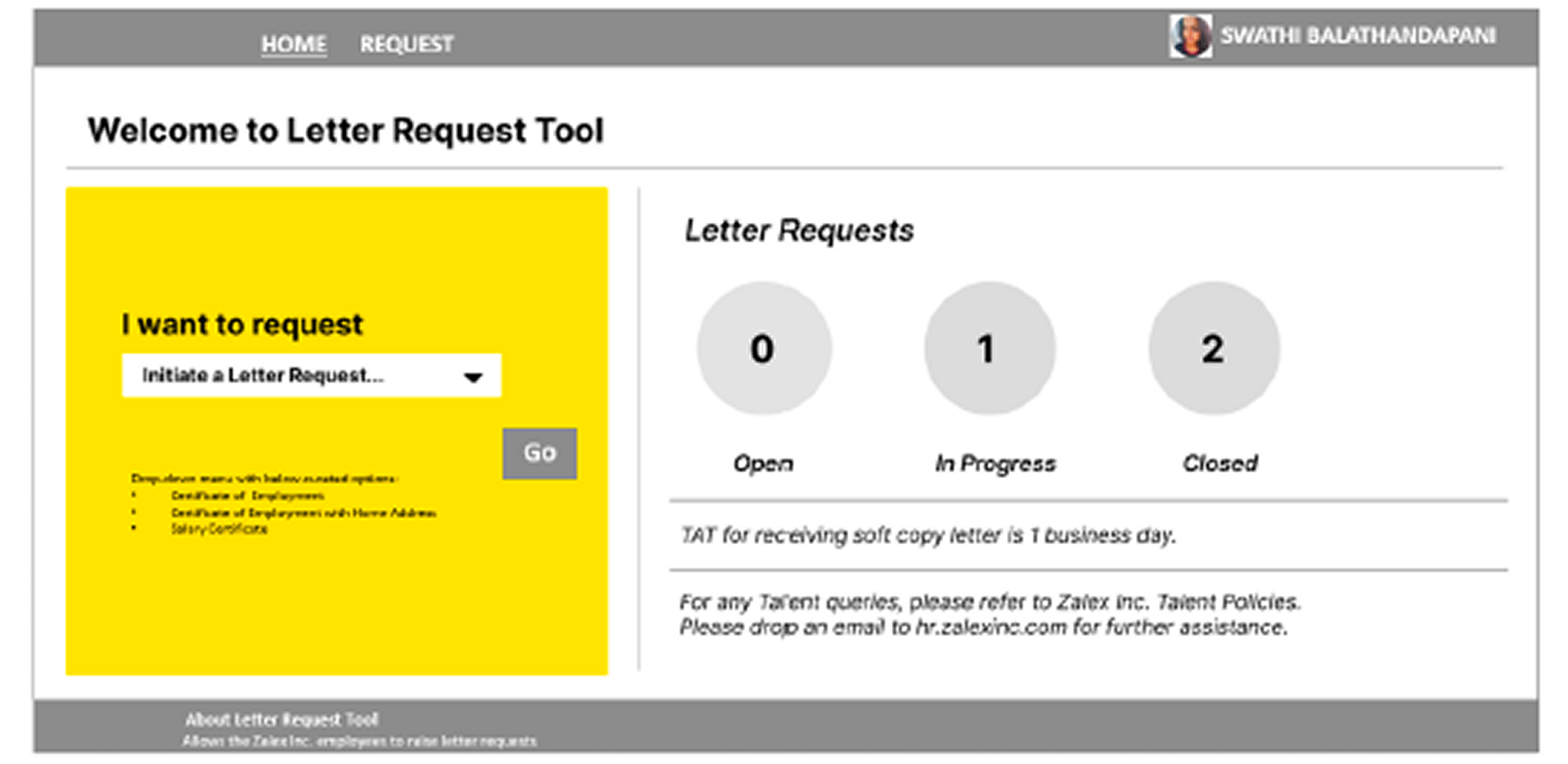
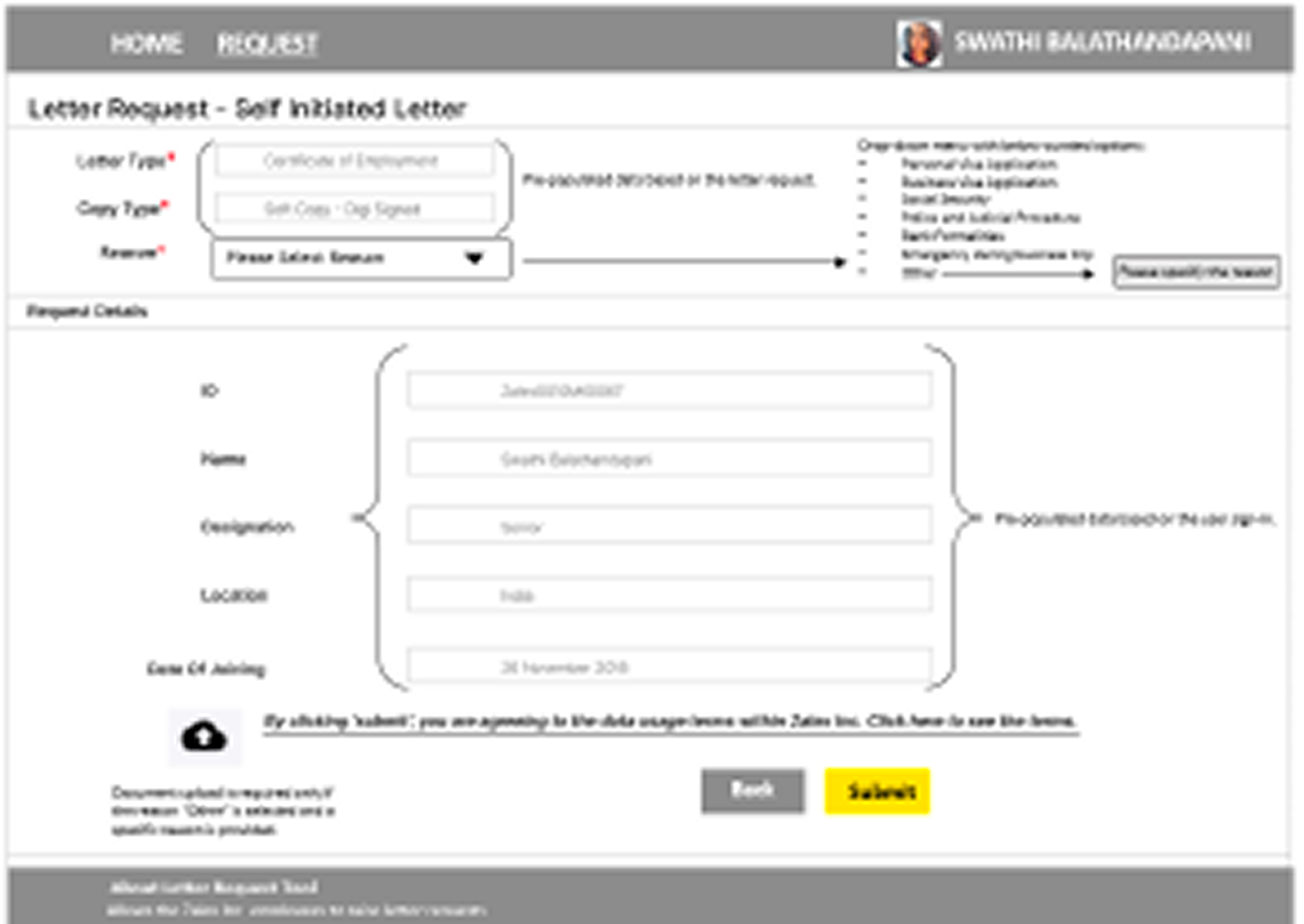
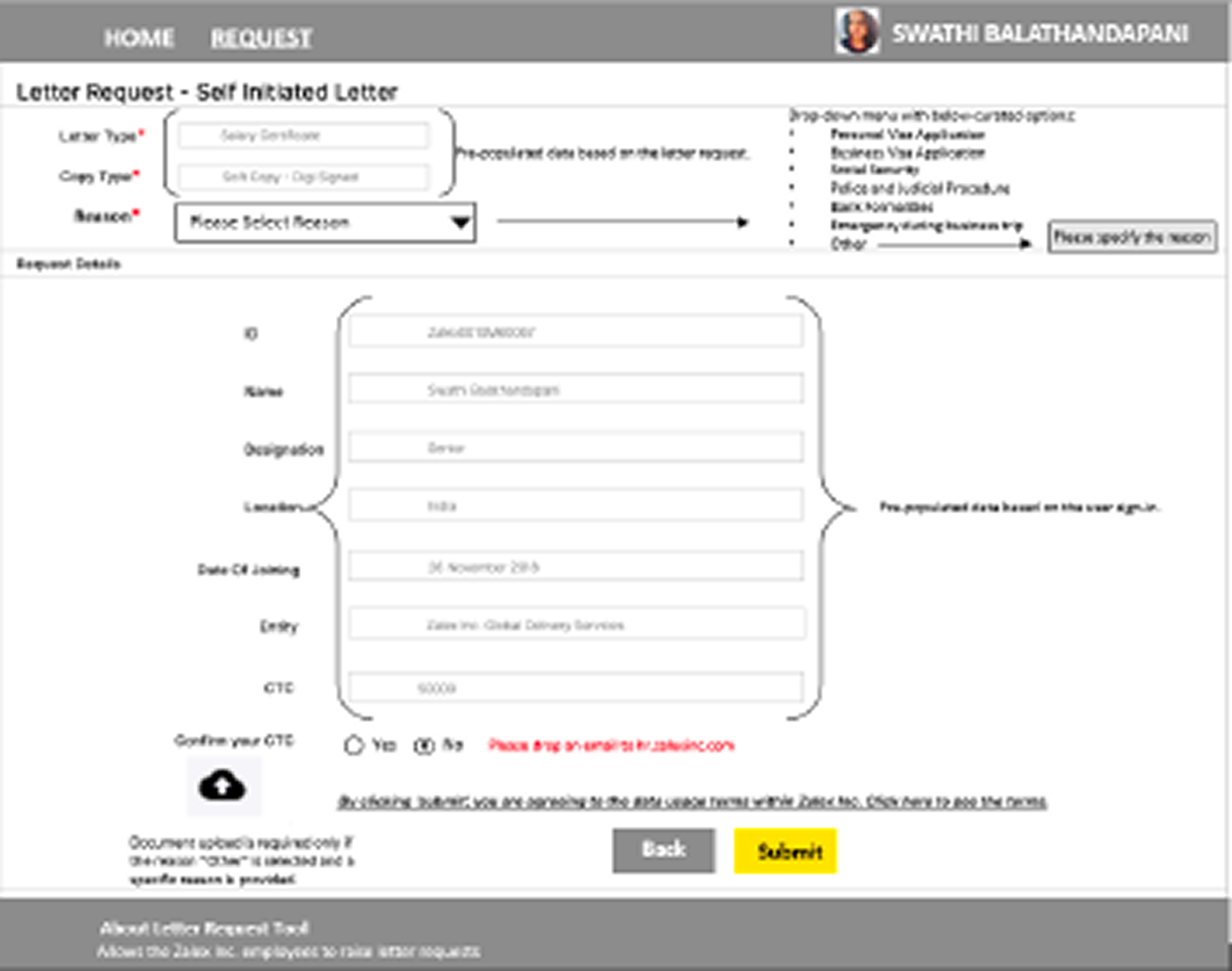
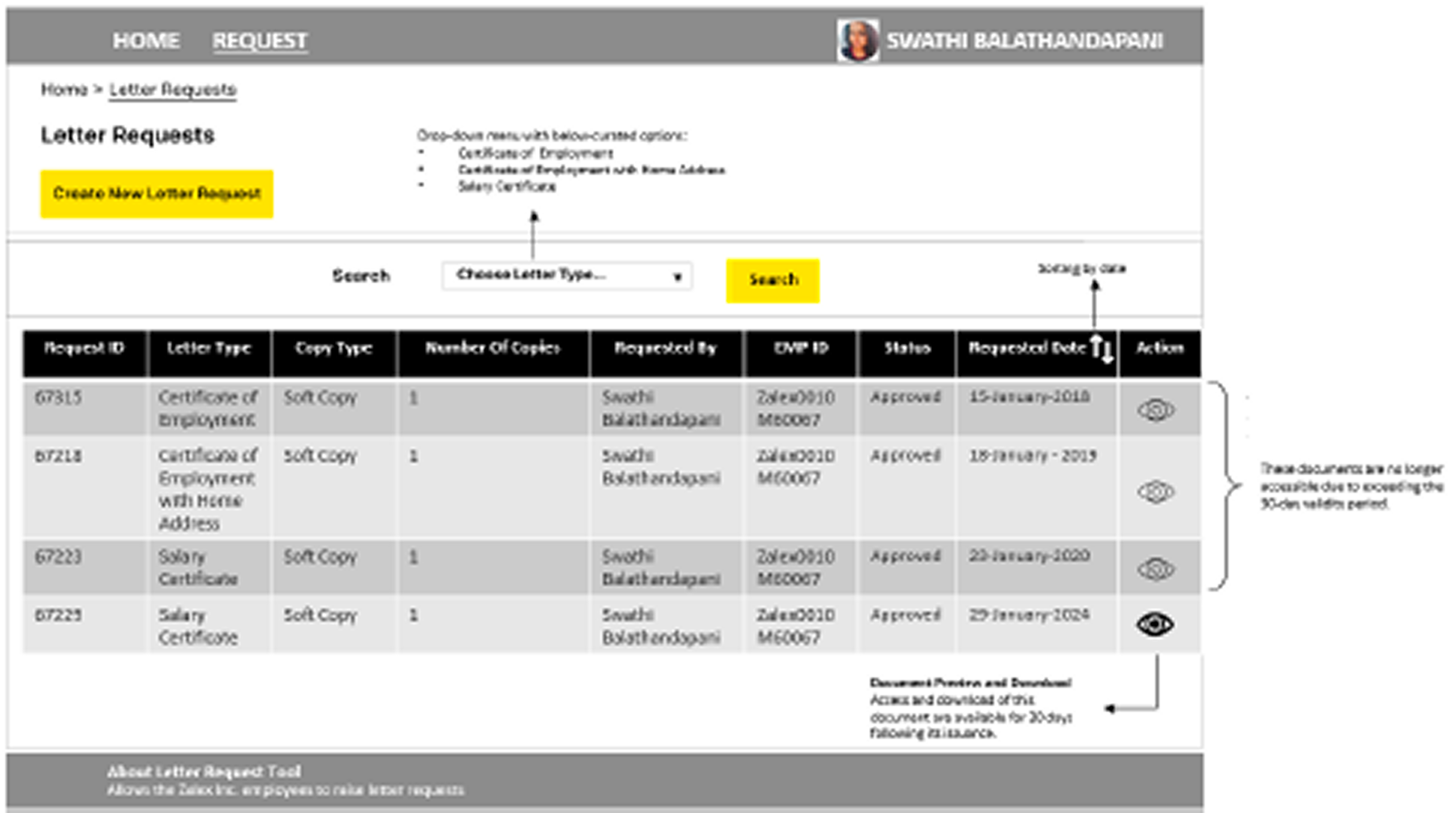
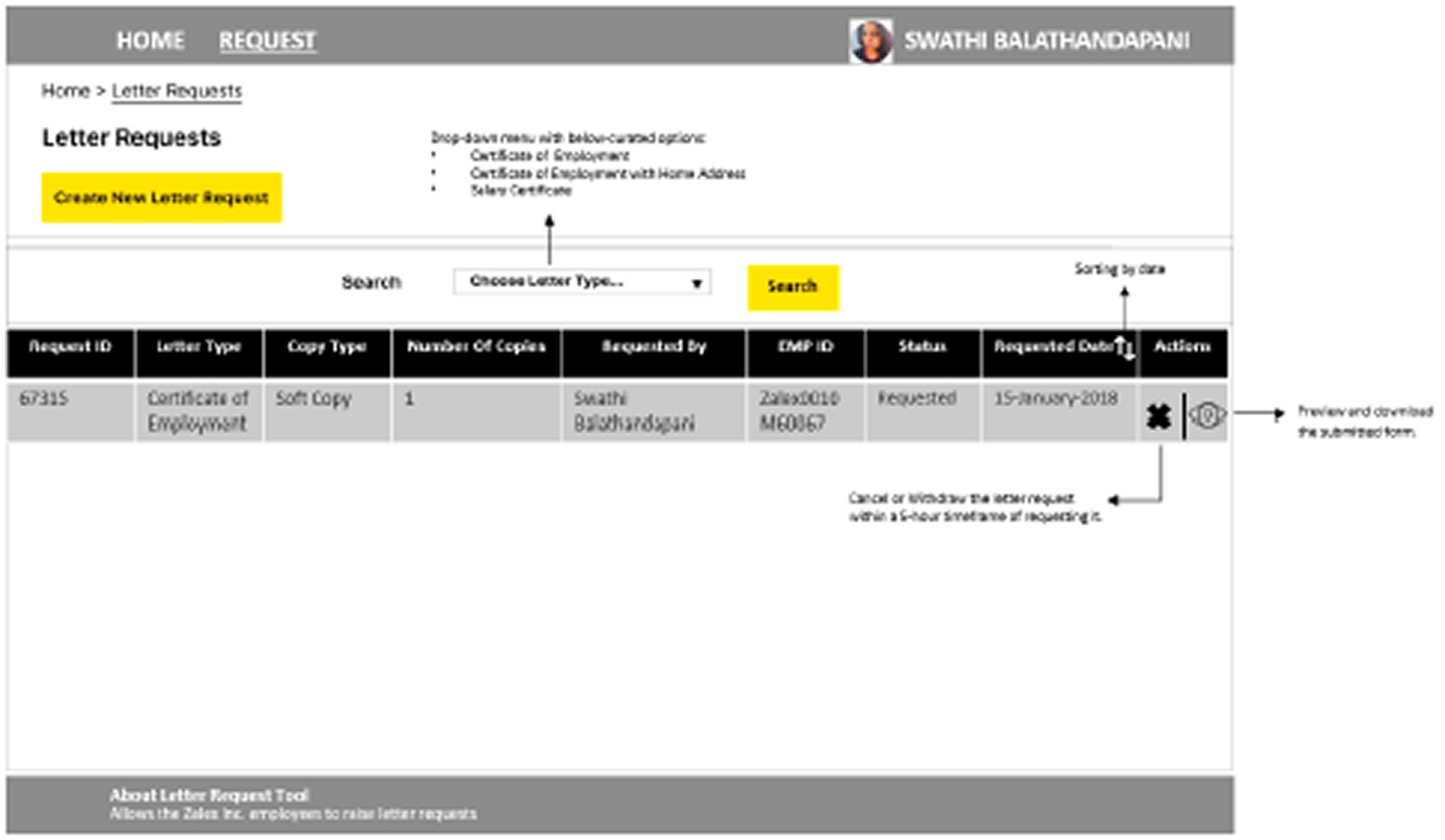
The legacy interface
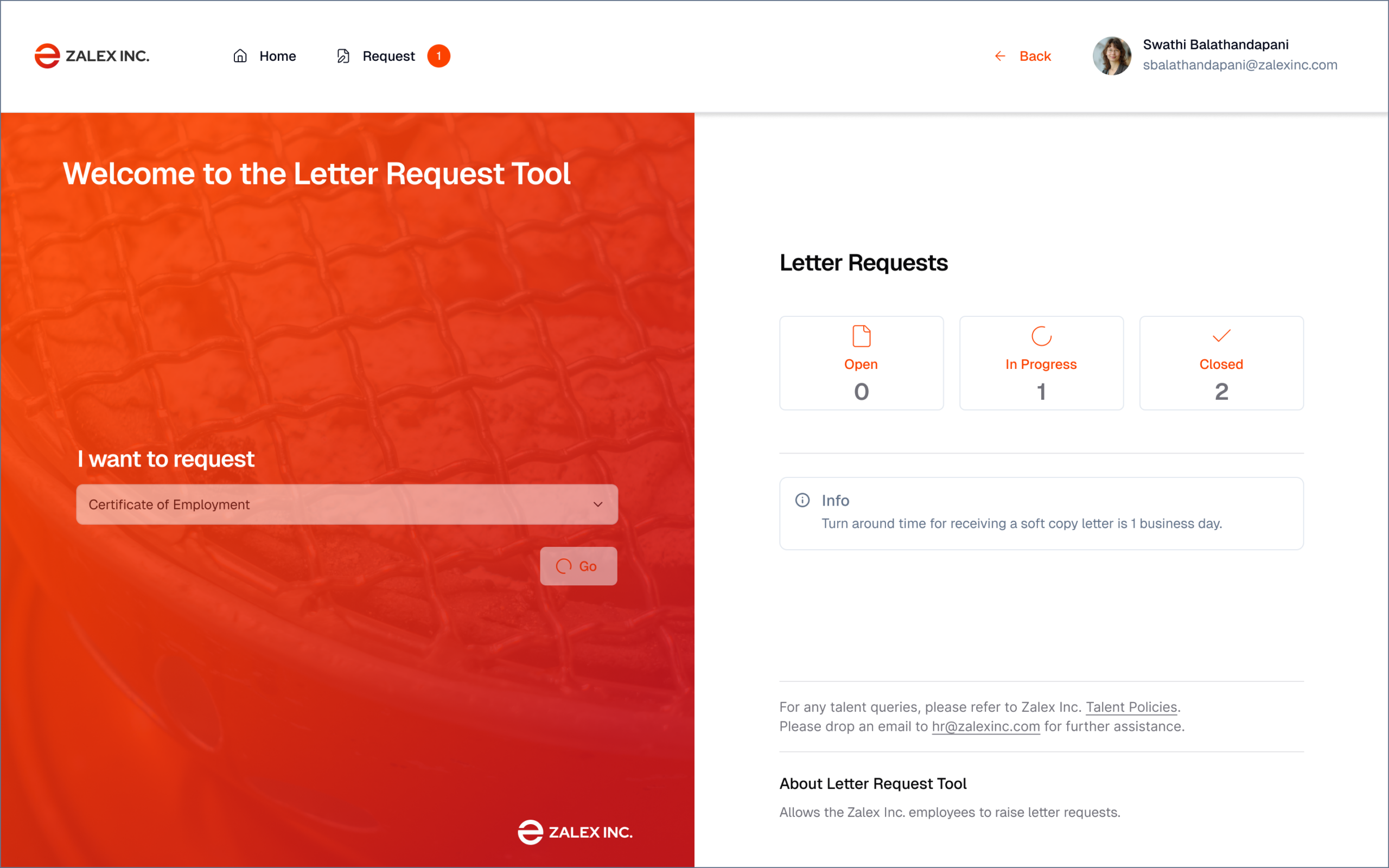
The new design
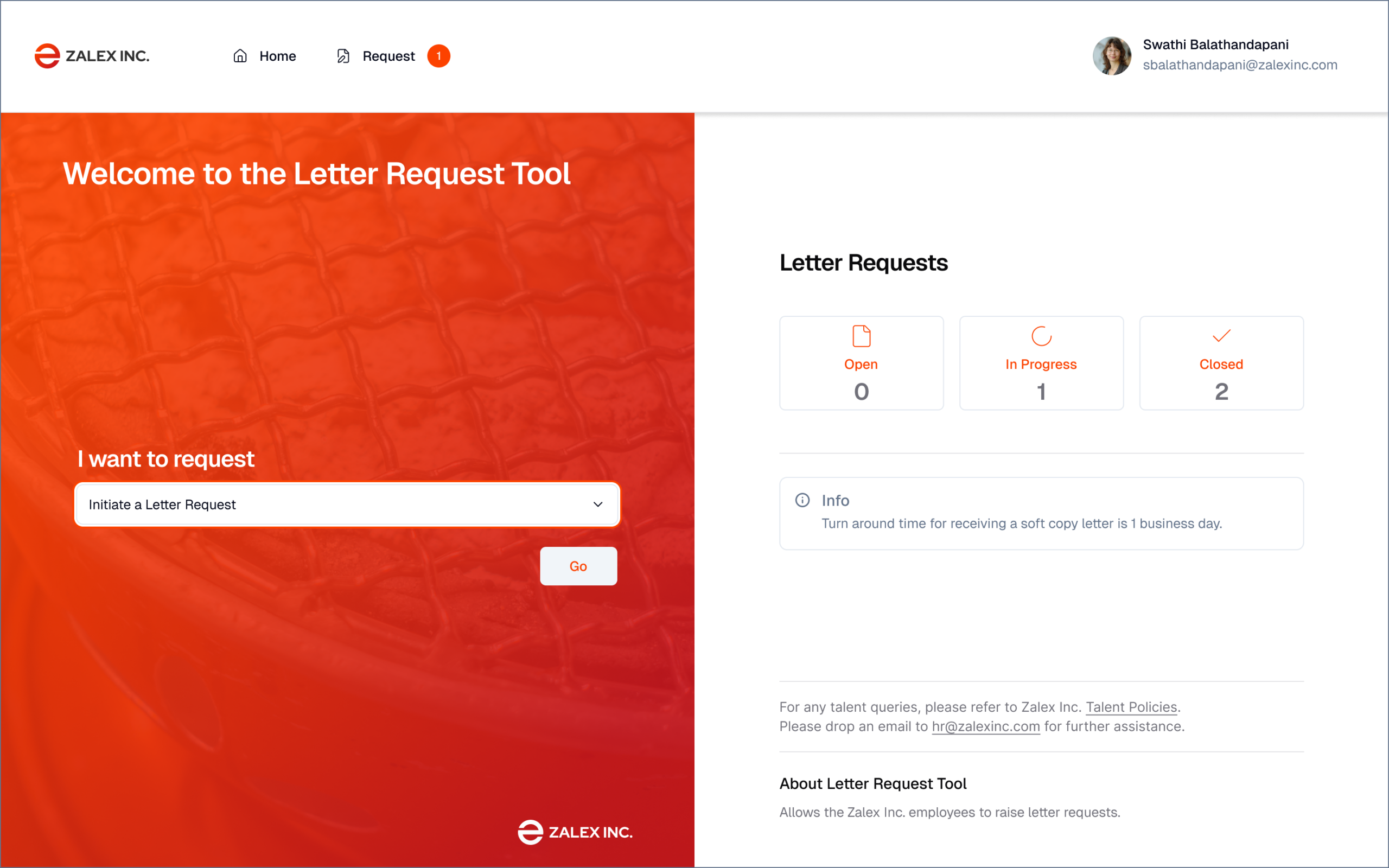
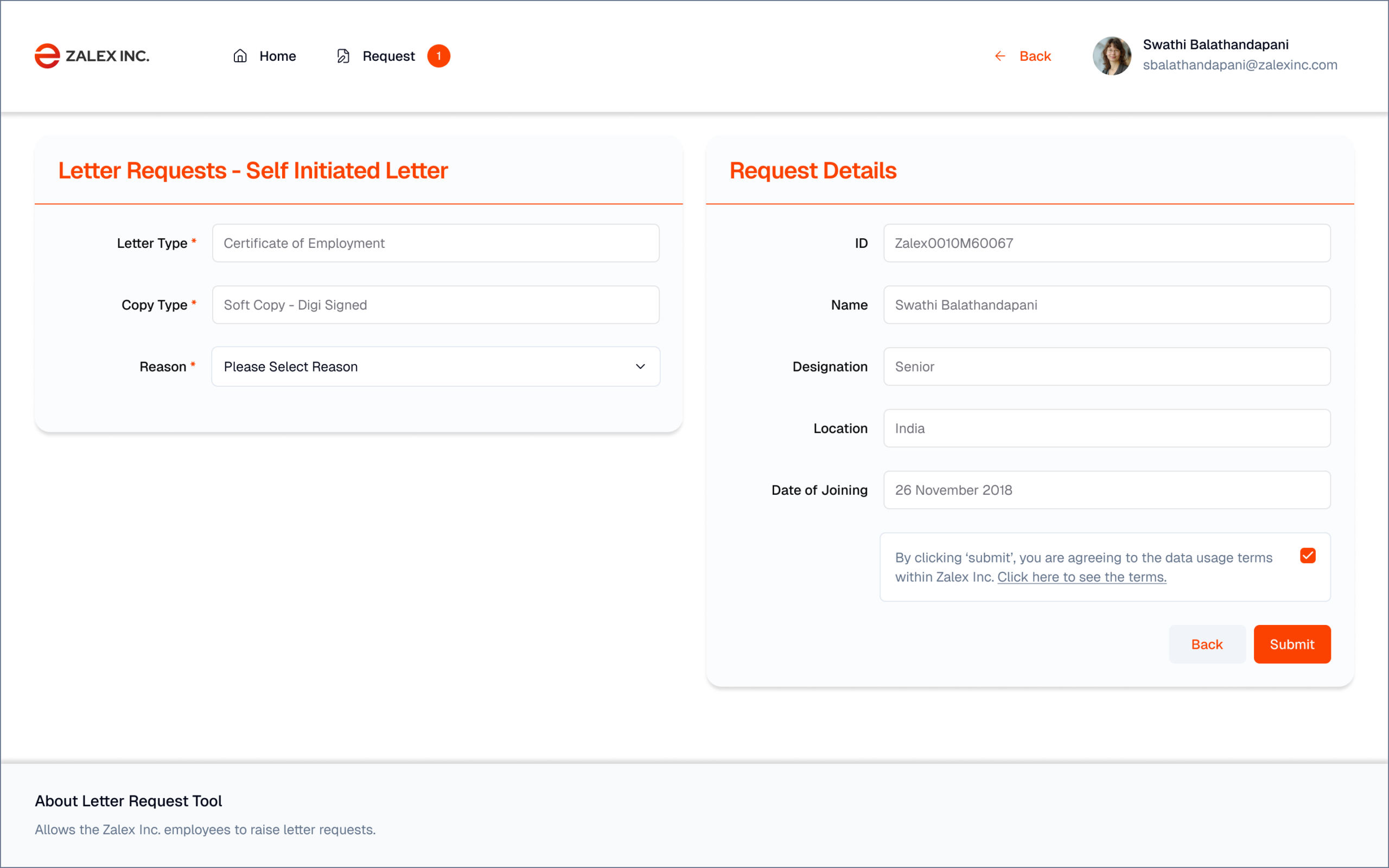
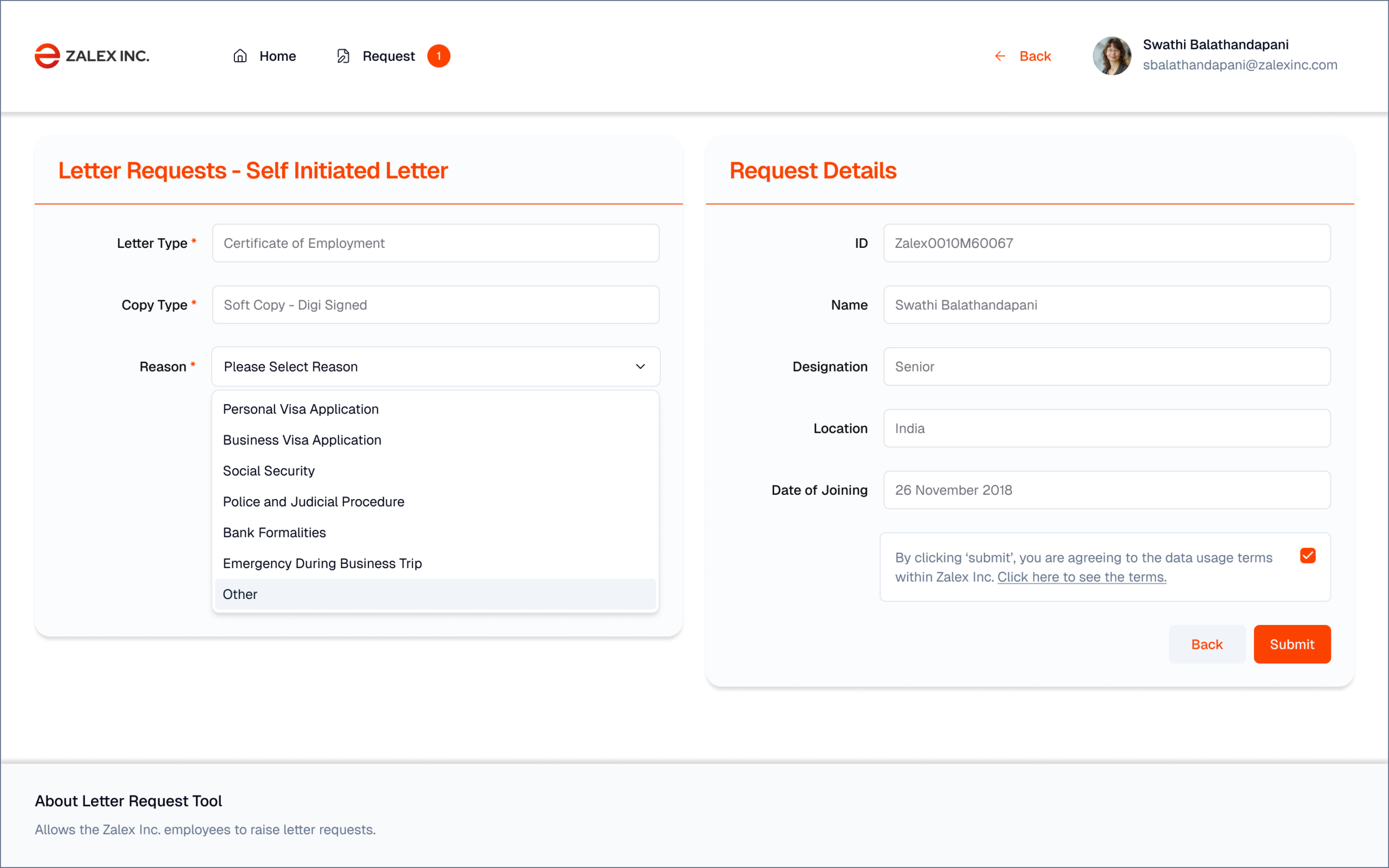
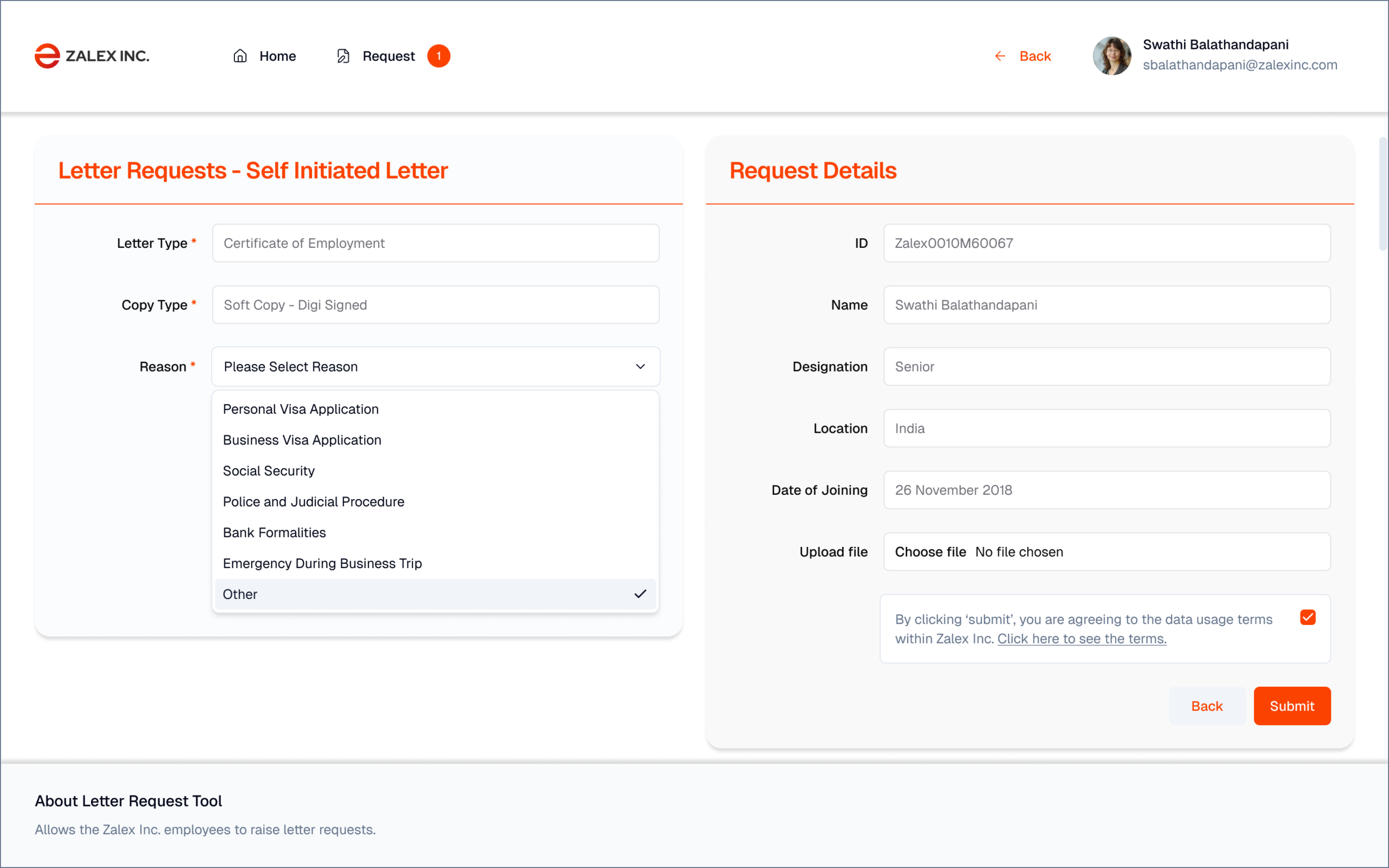
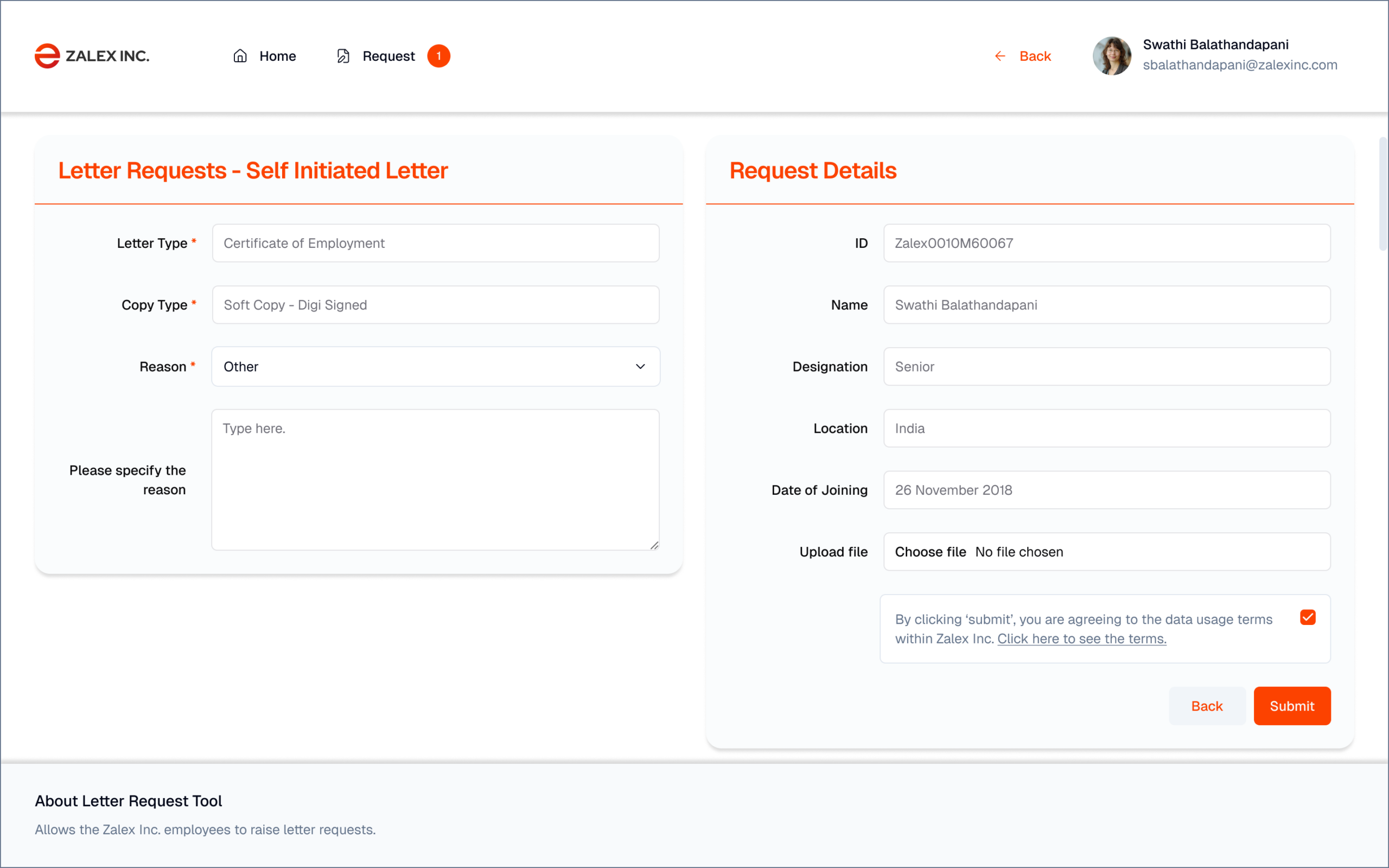
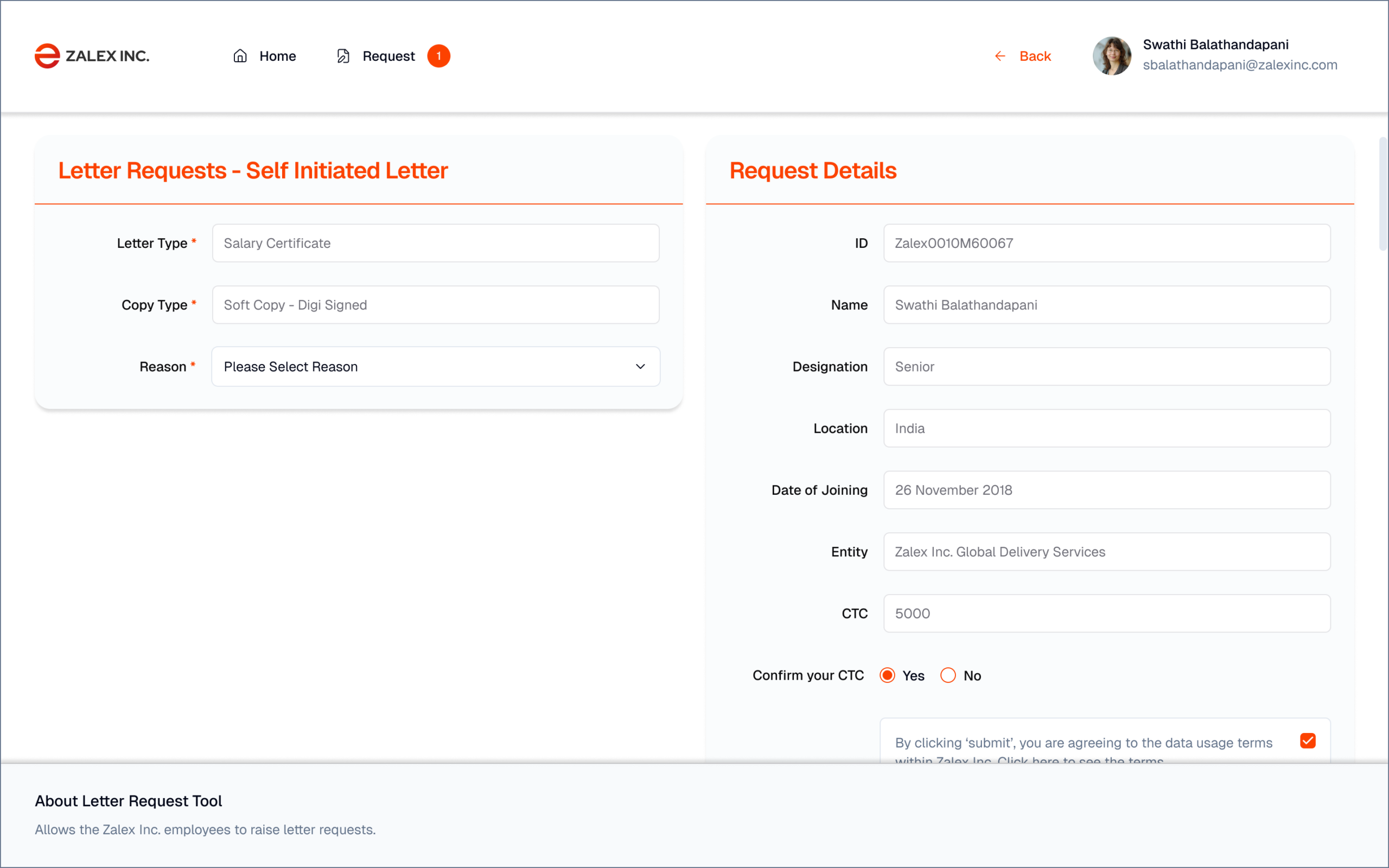
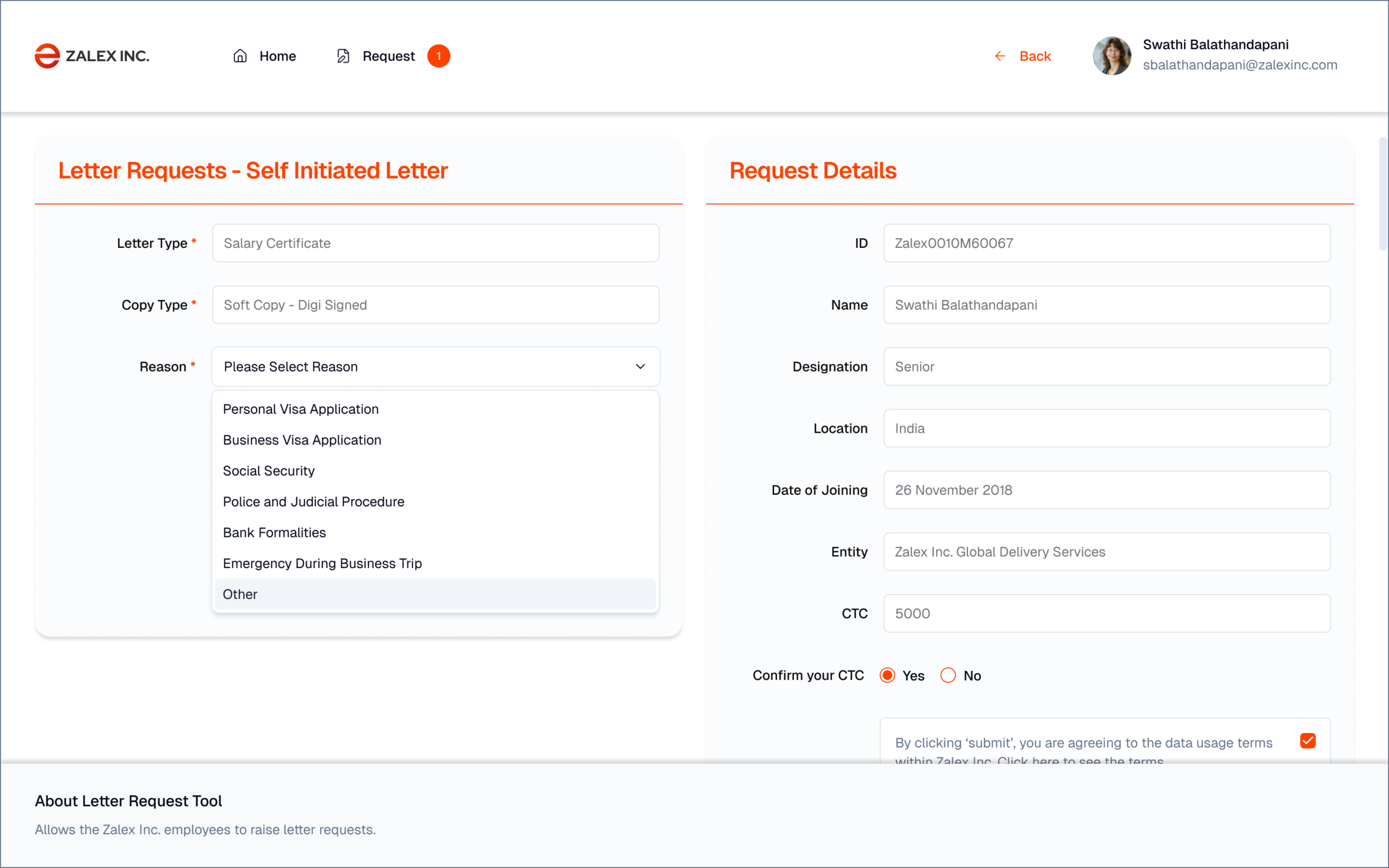
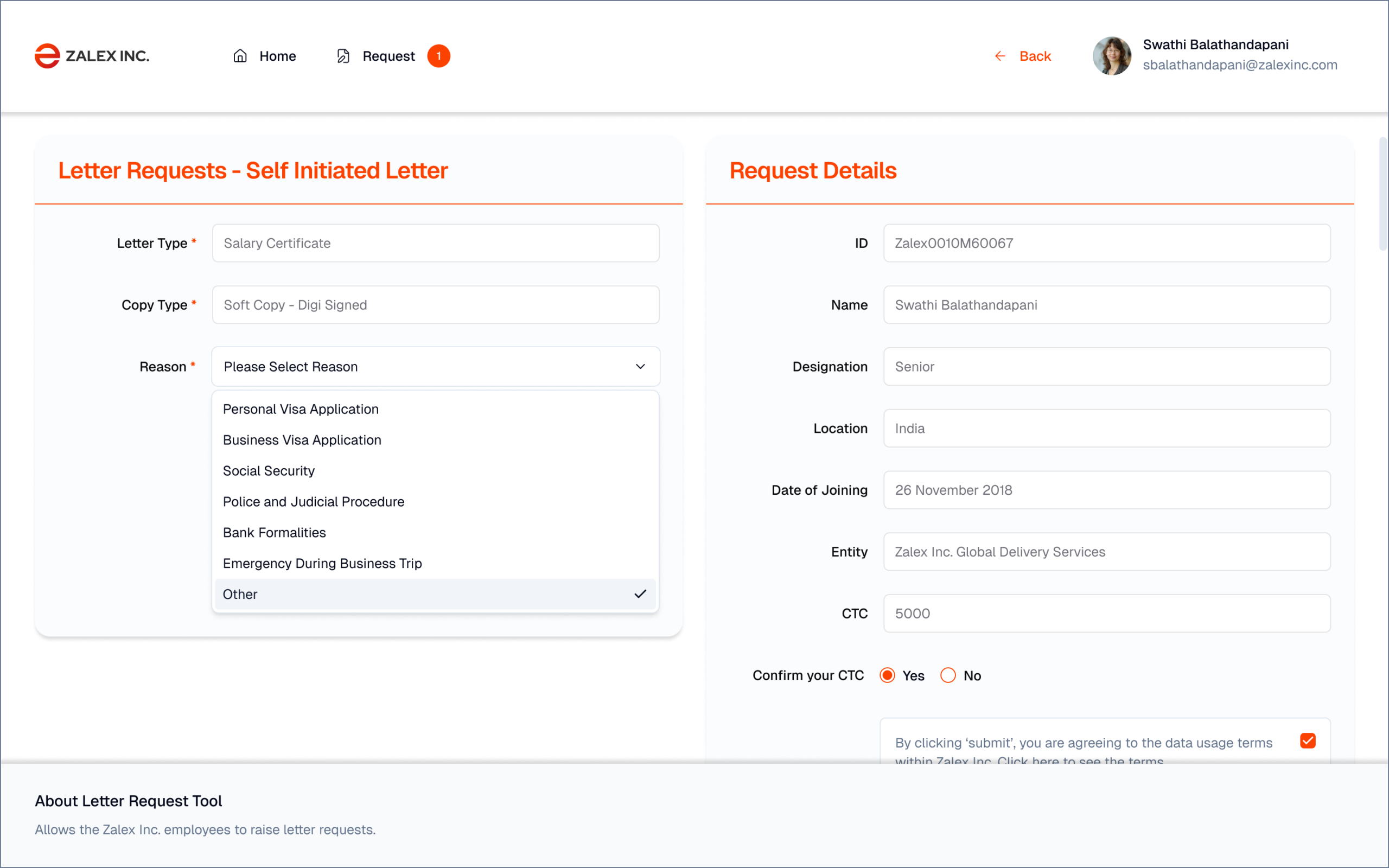
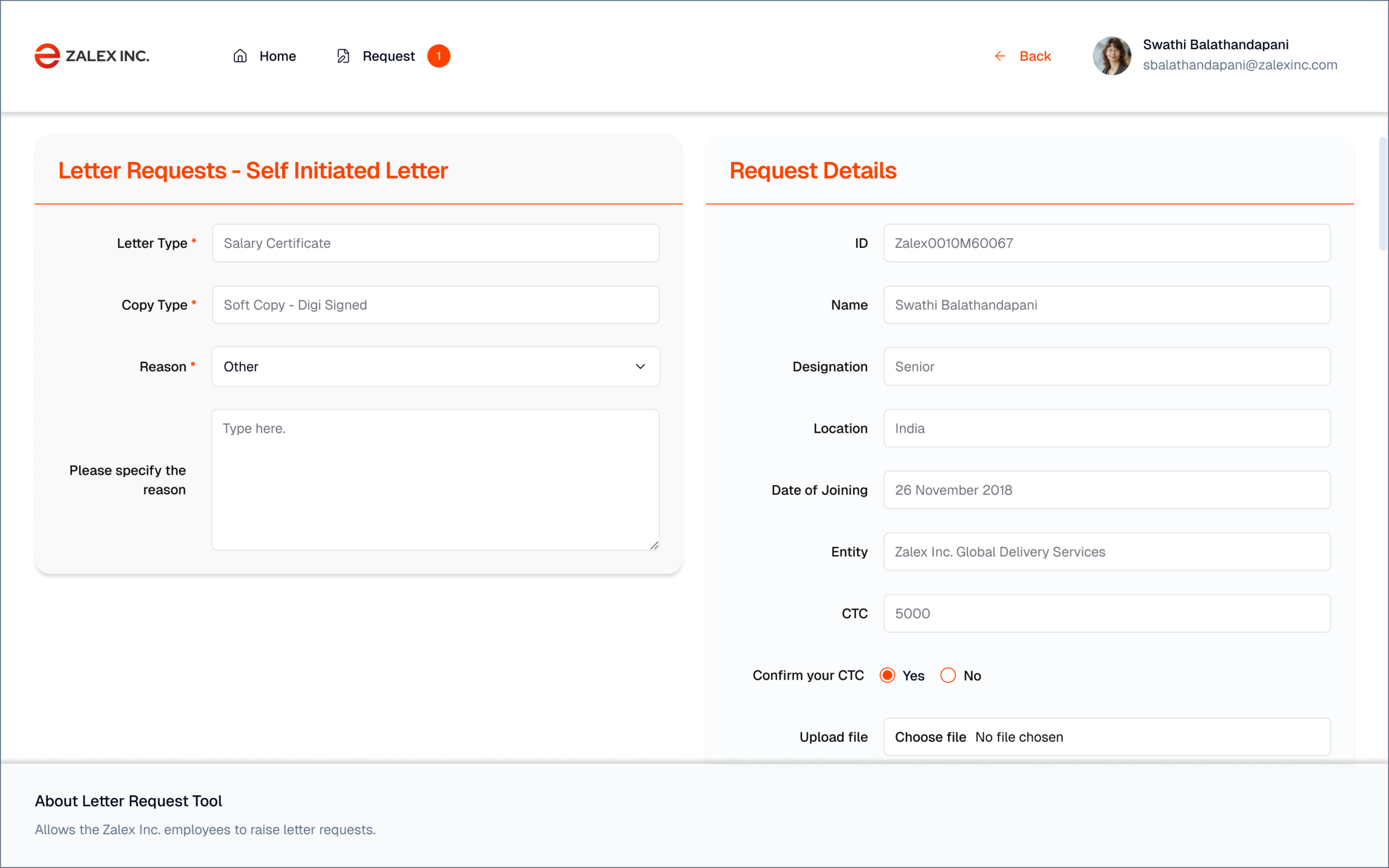
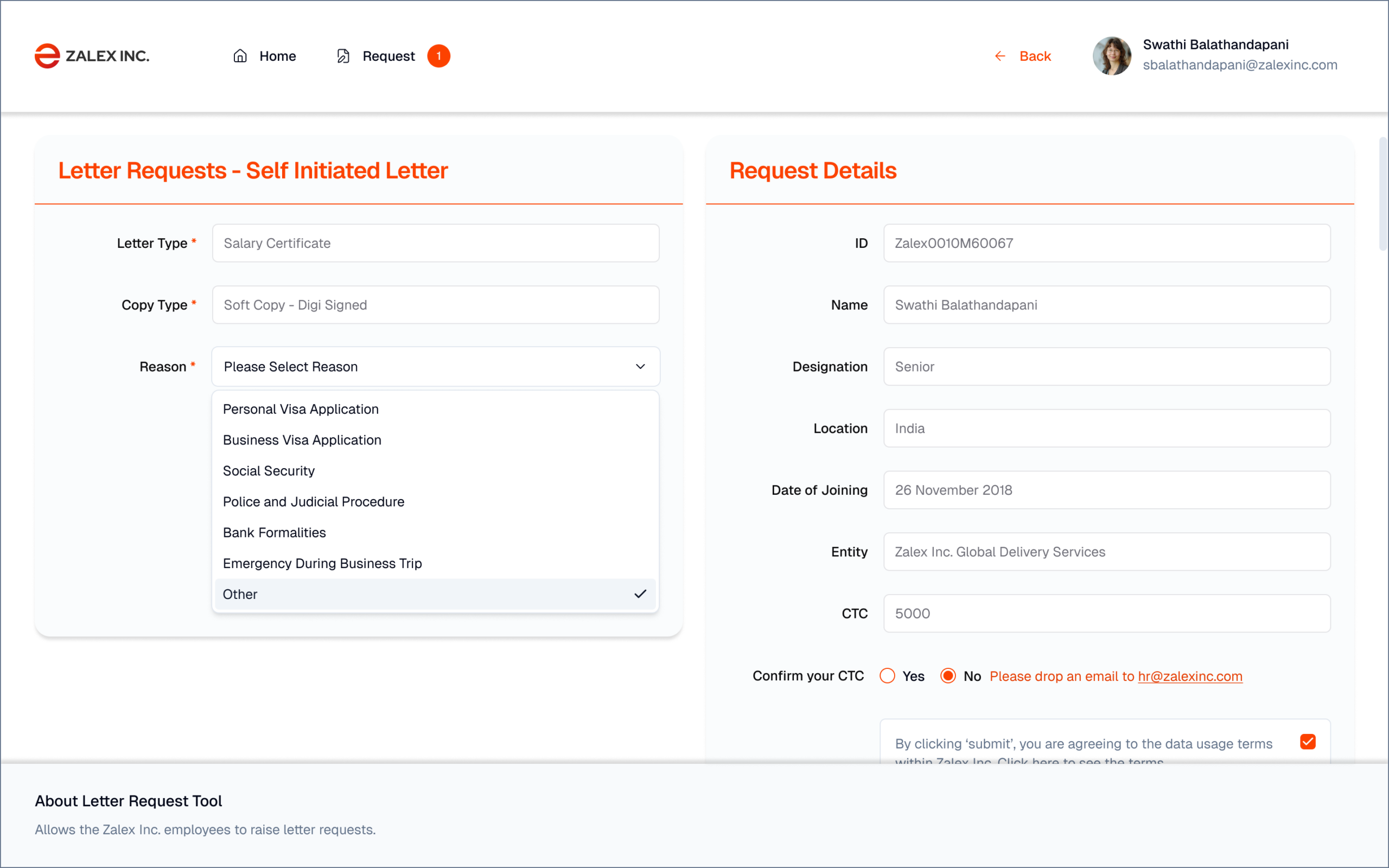
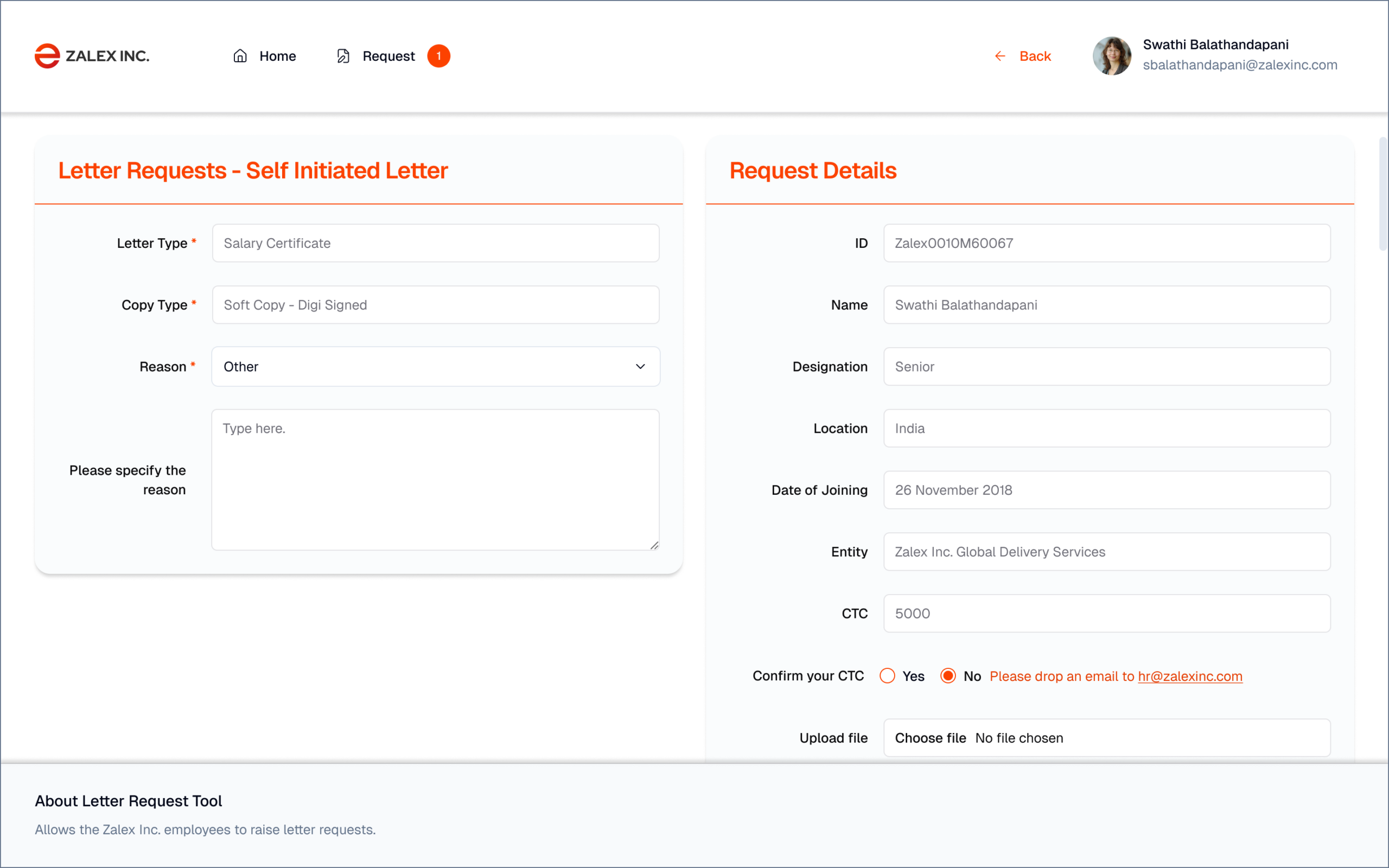
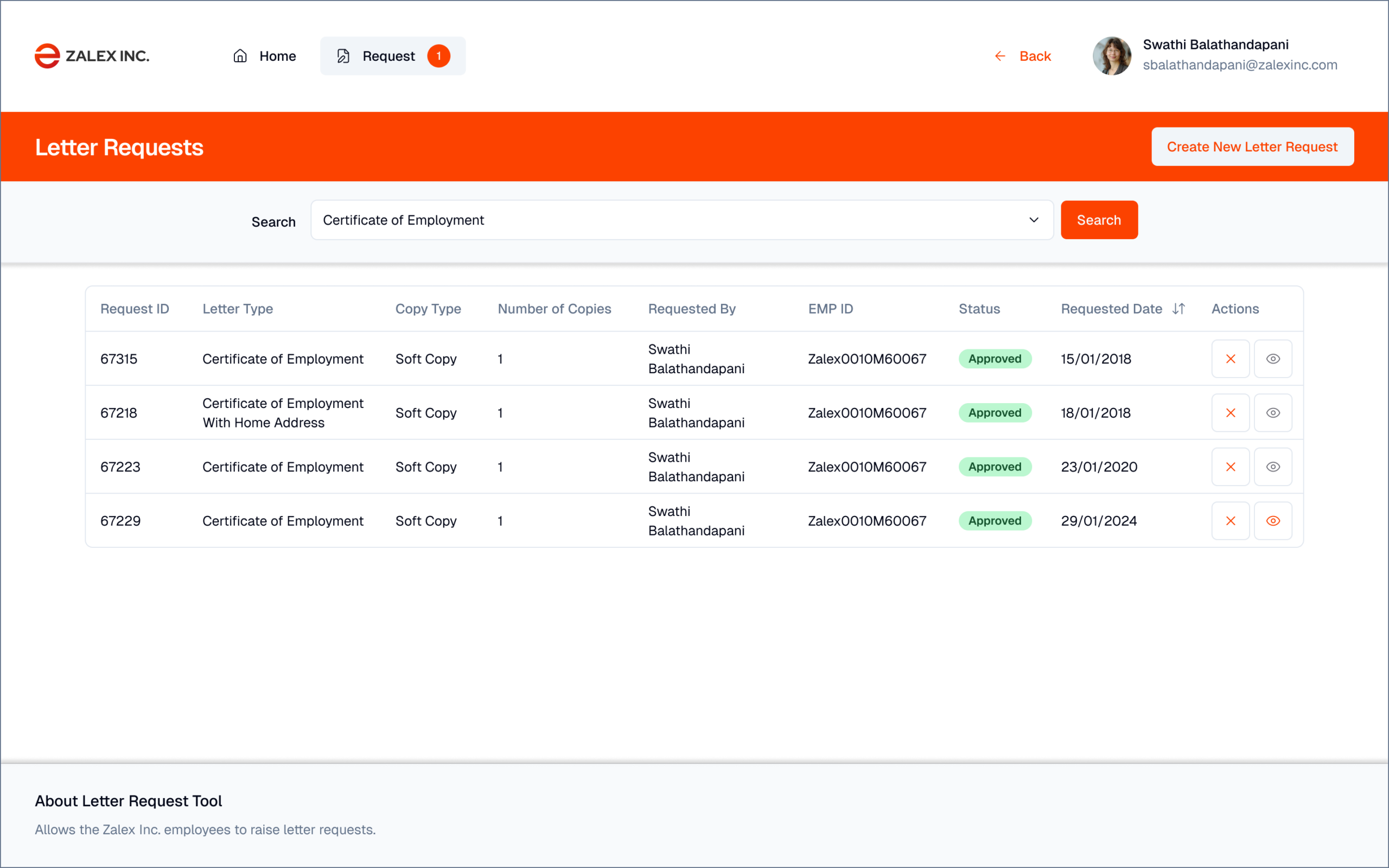
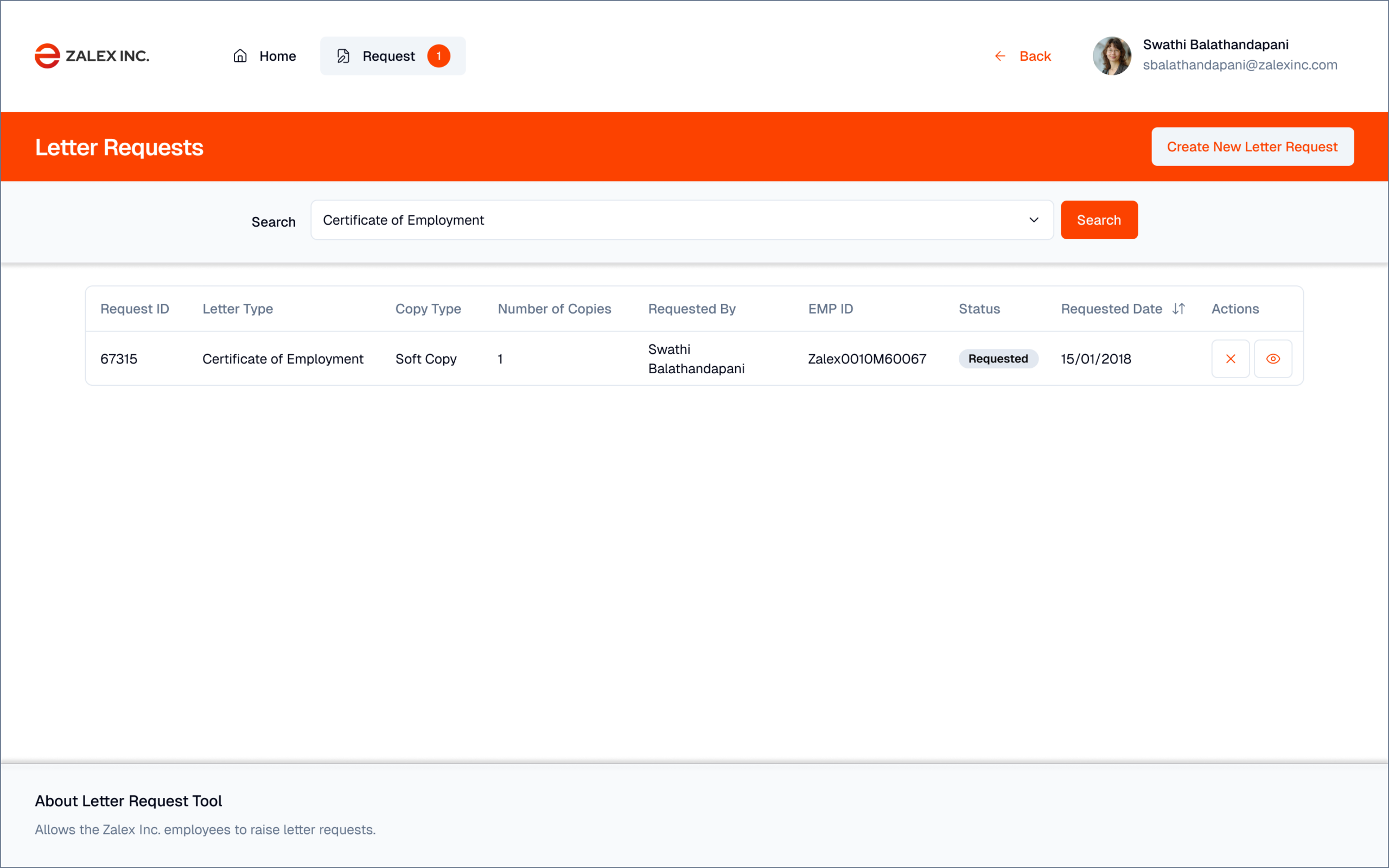
Interactive walkthrough
Results that
matter
The design demonstrates how user research, information architecture, and a user-centred self-service approach can transform an internal administrative process — reducing a five-day manual workflow to a same-day automated one while eliminating the primary sources of errors and compliance gaps.
Product design case study. The workflow transformation was designed as a complete specification in Figma with full screen coverage, user flows, wireframes, interactive prototype, and developer handoff documentation — not implemented in production.
The most important UX decision in this project was structural, not visual. The old process was HR-mediated because there was no alternative — not because HR involvement added value for standard requests. Recognising that the HR system already contained all the data needed to auto-generate certificates shifted the entire design from "make the form better" to "eliminate the form entirely." That reframing — from improving a broken process to replacing it — is something I now look for in every project.